Banner Studio
Generate banners, then make them yours.
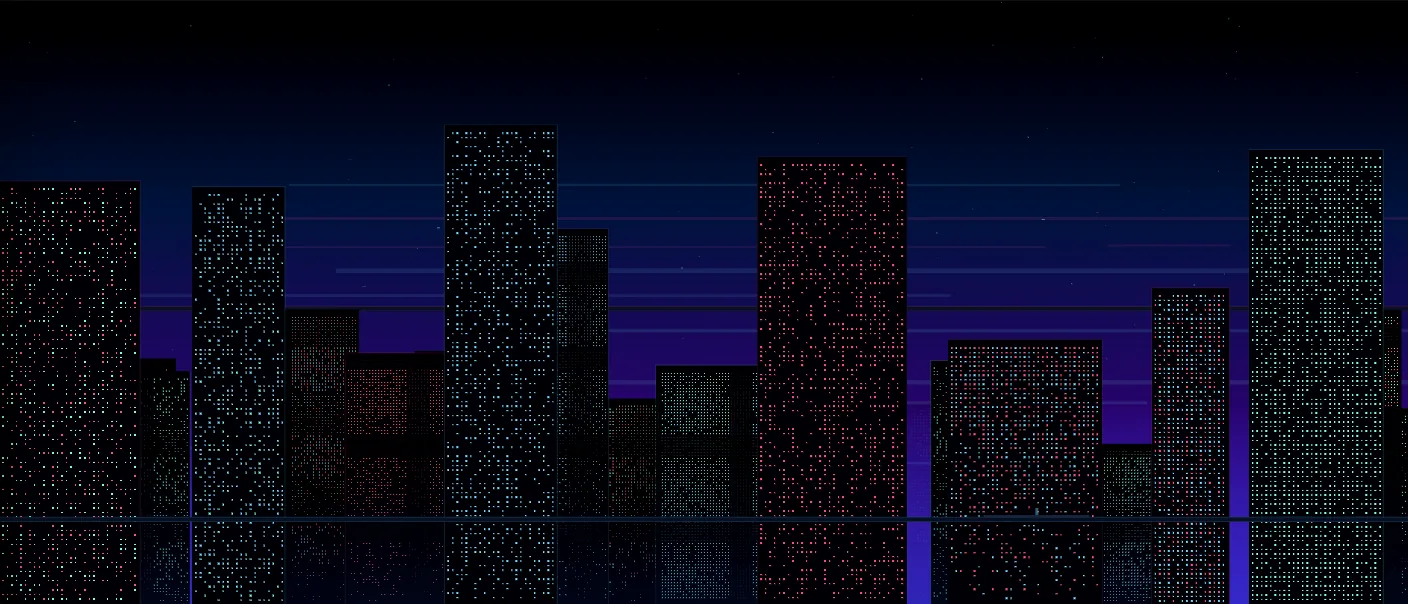
Choose a generated scene or import an image, then combine color adjustments, overlays, and framing to make a banner, header, or wallpaper. Save the finished image or an editable PAX project.
What you can do
Scene generation
The scene preset sets the visual structure. Changing its seed generates a new arrangement within that style.
Color and overlays
Adjust brightness, contrast, saturation, hue, and blur. Add overlays or apply a selected palette to the composition.
Framing
Choose the aspect ratio and presentation style, including stacked images, instant photo frames, and film strips.
Images and projects
Start with your own image
Imported images can be used in layered banners and seeded pixel compositions.
Keep an editable version
Export Image saves the render. Save as PAX keeps an editable project that you can reopen.
Why use Banner Studio?
Open Banner Studio when this style of making or play feels closest to what you want.
It is meant to be understood quickly through direct interaction, with more depth appearing as you keep playing.
Inputs and exports
Supported inputs
Images from your device
Banner Studio PAX projects
Available outputs
PNG banner images
Editable PAX project files