Sand Art
Paint with thousands of moving grains.
Create colorful artwork with moving sand and flowing material. Pour, rake, and reshape particles into landscapes and organic patterns, use colors from photographs, and capture finished paintings or texture assets.
What you can do
Paint with moving material
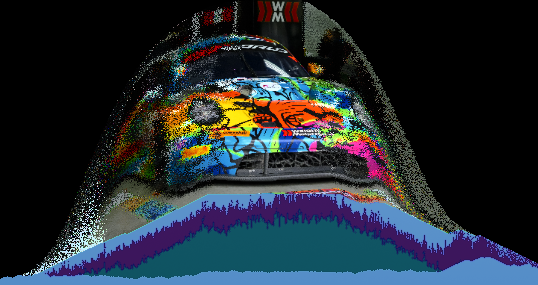
Build pictures with gravity and accumulation: falling sand forms colored piles, ridges, and layered landscapes as you paint.
Shape the forces
Reshape the material with raking, wind, swirling, and other forces, making movement part of the composition.
Bring in image colors
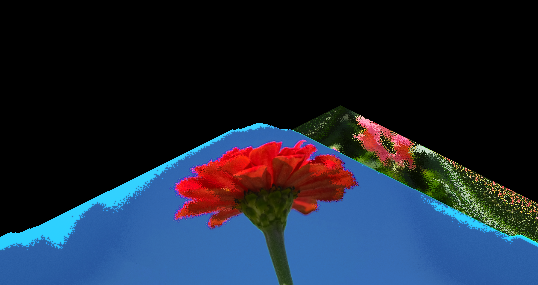
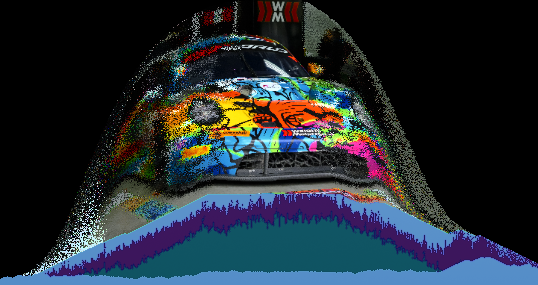
Use colors from photographs to create source-inspired sand paintings, transforming a familiar palette into a new arrangement.
Switch simulation modes
Explore the companion Flow mode for washes, smears, and fluid ribbons, then pause and capture a finished image or save the supported project state.
What you can make
Sand landscapes
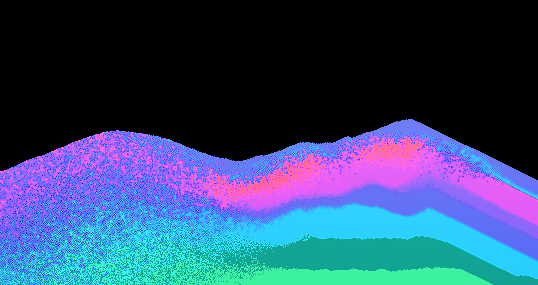
Sand landscapes, sediment bands, dune-like patterns, abstract paintings, and geological color studies.
Fluid color fields
Swirling fields, ink-like washes, fluid ribbons, and organic backgrounds for covers and posters.
Photo-derived palettes
Photo-derived color experiments that preserve a source palette while changing its arrangement.
Organic texture collections
Texture collections built by pouring, disturbing, and capturing different states of one canvas.
Cover and poster backgrounds
Shape colored sand or flowing material into an original background with room for imagery and type in a later design.
A series of abstract paintings
Keep a shared palette while developing different compositions through pouring, raking, and flow, capturing the strongest results as finished images.
Project ideas
Successive colors settle into sediment bands, forming an abstract landscape shaped by raking and gravity.
A photograph’s palette becomes a swirling color field or a family of organic textures for cover artwork.
What sets it apart
Make the composition through the material’s movement. Build colored layers and ridges with sand or create fluid washes and swirling fields in Flow.
Use a photograph or its palette as a starting point, then rearrange the colors through painting and forces. Capture organic artwork, textures, and backgrounds for another design.
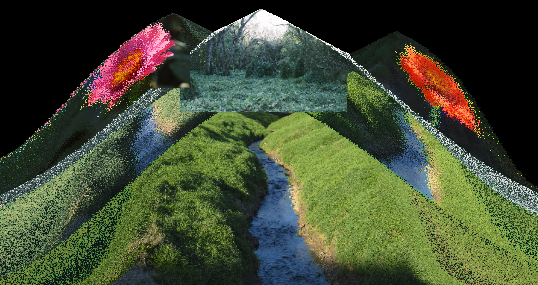
Supporting capabilities
The simulated material helps form the picture as it moves. Sand and Flow offer different behaviors for granular landscapes and fluid color studies.
Why use Sand Art?
Open Sand Art when this style of making or play feels closest to what you want.
It connects with the wider Panospace creative workflow, so results can keep evolving across compatible apps.
Inputs and exports
Supported inputs
Images
Photo-derived palettes
Sand or Flow PAX projects
Available outputs
PNG images
Sand content-bounds cropped PNG
PAX projects