Clip Studio
Turn footage and photographs into animated collage.
Make short visual edits from photographs, video frames, drawing, and graphics. Shape the sequence and timing, add overlays and motion, and export an animated collage, promotional clip, or composed image sheet.
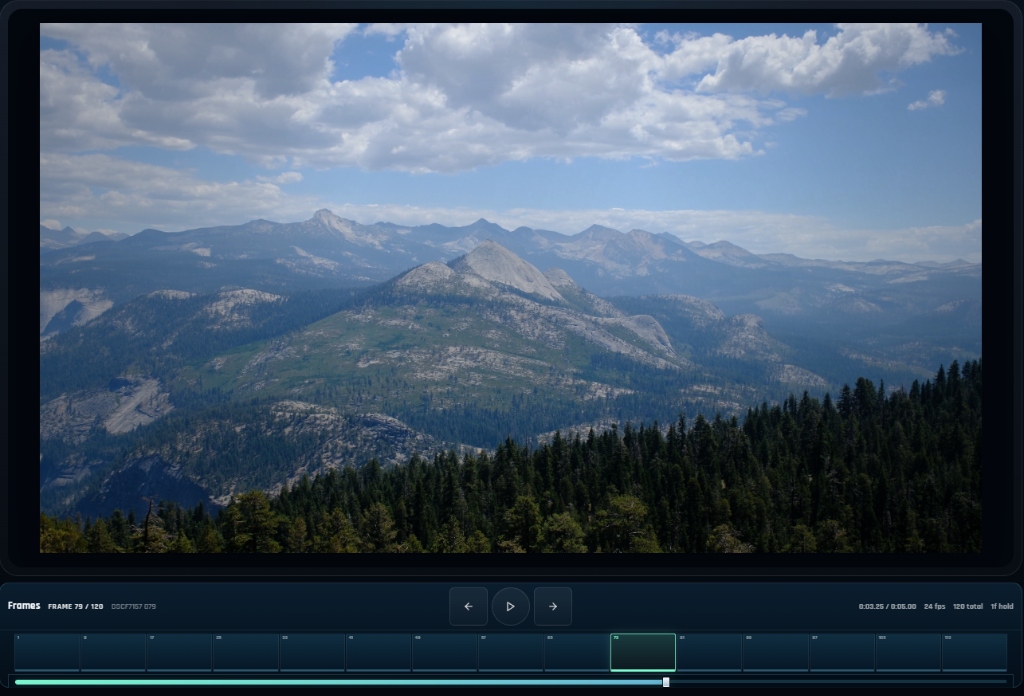
What you can do
Build the frame sequence
Reshape photographs and sampled footage into a deliberate sequence, building pacing and visual continuity from the individual frames.
Draw and transform overlays
Draw over the source or add graphic overlays to create mixed-media edits, annotated footage, and animated collage.
Carry layers and generate motion
Keep graphics present across several frames or generate their movement through a sequence, combining source motion with your own visual accents.
Compose the output layout
Compose split views, grids, strips, and free arrangements as well as single-frame playback, then export a WebM clip or image sheet.
What you can make
Photo teasers and collages
Stop-motion studies, photo sequences, short release teasers, and mixed-media video collages.
Drawn footage interventions
Annotated footage, hand-drawn overlays, animated graphic accents, and frame-by-frame interventions.
Split-screen compositions
Split-screen comparisons, contact sheets, motion boards, and sequences built from several source images.
Clips and frame atlases
Vertical social clips, square portfolio edits, widescreen presentation videos, and frame atlases for other tools.
Portfolio and project reels
Sequence images and sampled footage into a short visual presentation, adding graphic accents to connect the material.
Moving promotional graphics
Combine photographs or footage with overlays that persist or move across frames to create a short release or event teaser.
Project ideas
A series of still photographs becomes a short release teaser with a graphic overlay running across the sequence.
Sampled footage becomes an animated collage with drawn marks that move between frames.
What sets it apart
Work directly with the frames of a video or image sequence. Reorder and time the material, then draw over it or add graphic layers to create a new edit.
Create photo teasers, animated collages, footage interventions, and split-screen compositions. Graphics can continue across frames or move through the sequence without being redrawn each time.
Supporting capabilities
Frame-based composition connects video editing with drawing and graphic layout, letting the same material become a moving clip or a composed sheet.
Why use Clip Studio?
Build image and video clips, arrange sequences, and shape motion inside one dedicated studio.
It connects with the wider Panospace creative workflow, so results can keep evolving across compatible apps.
Inputs and exports
Supported inputs
Images
Video clips
Compatible frame sources and PAX projects
Available outputs
WebM video
Sprite sheets and image output
PAX projects