Colorbend
Make color the subject.
Transform the color, light, and atmosphere of photographs. Refine a natural image, create a consistent look across a series, or redesign its palette for covers, posters, and original photo artwork.
What you can do
Redesign the palette
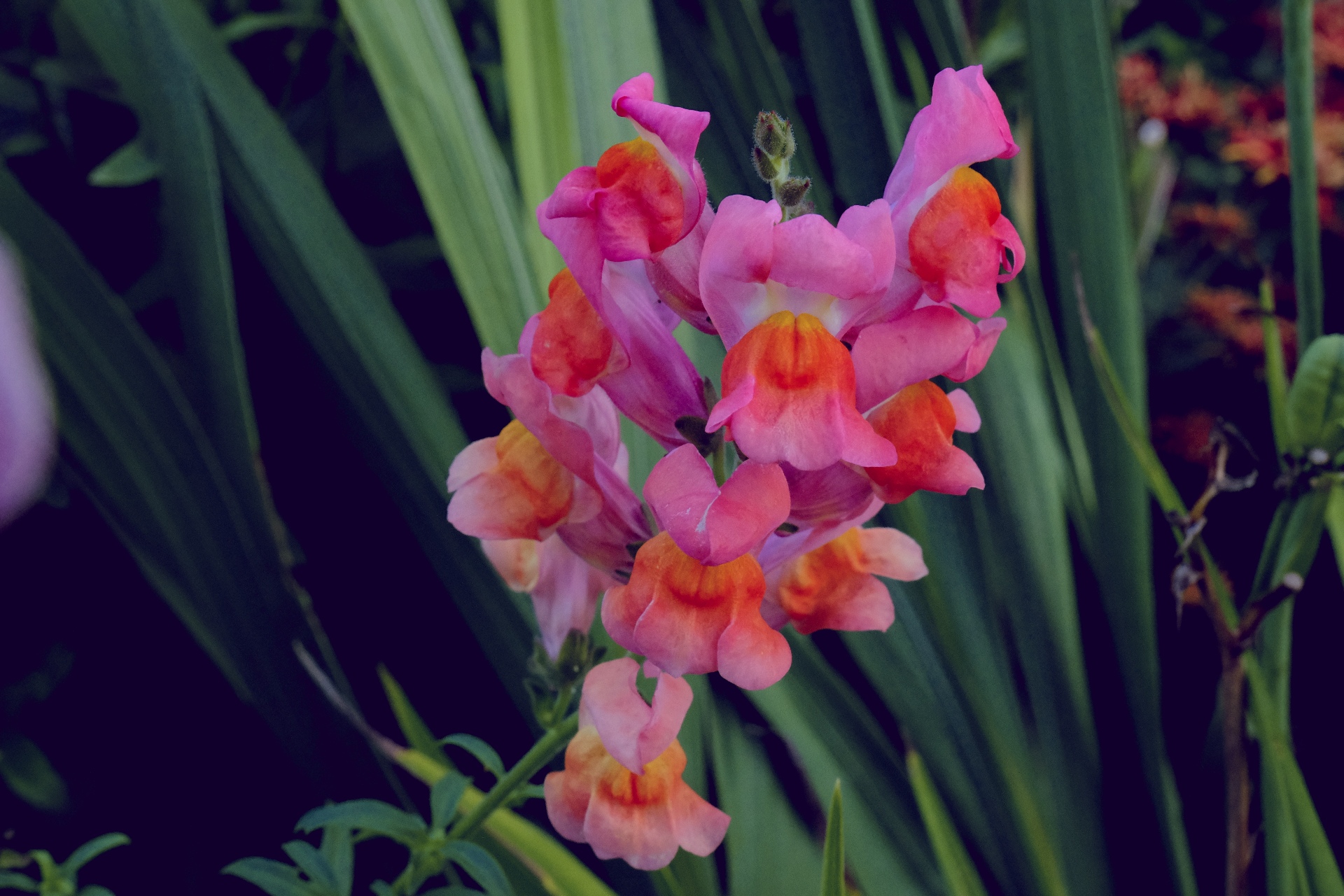
Remap light and color through custom gradients to turn a familiar image into a new palette-driven composition.
Selective color
Shape selected colors, highlights, and shadows independently, creating deliberate relationships between a subject and its surroundings.
Light and atmosphere
Develop light and atmosphere with film-inspired color, bloom, halation, haze, and optical treatments.
Refine the photograph
Refine photographs and negative scans as well as stylized artwork, using the same color workspace for correction and creative transformation.
What you can make
Coordinated photo series
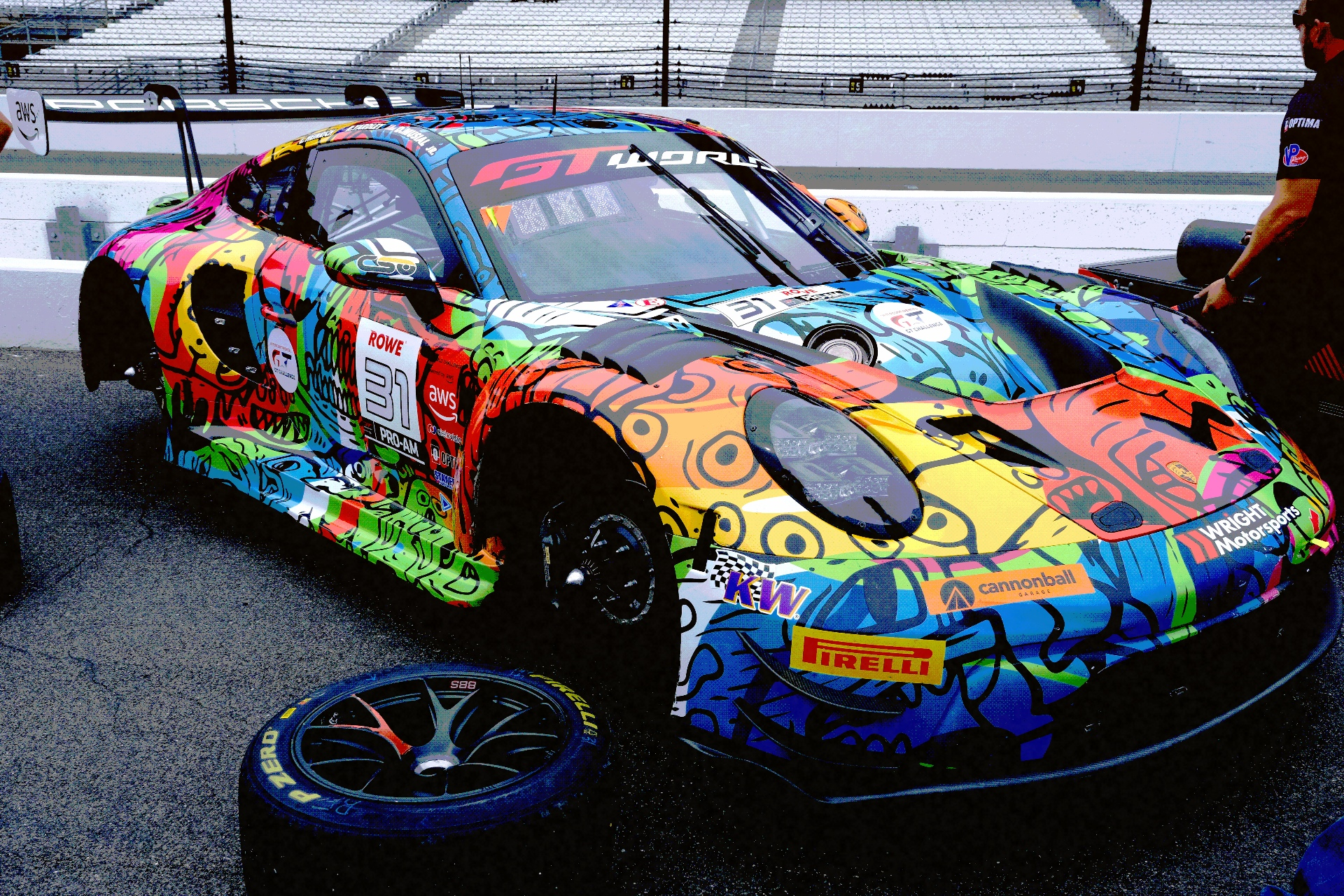
Portrait and fashion grades, travel photography, campaign images, and coordinated color treatments for a photo series.
Palette-driven graphics
Duotone covers, false-color landscapes, restrained monochrome looks, and palette-driven editorial graphics.
Film-inspired atmosphere
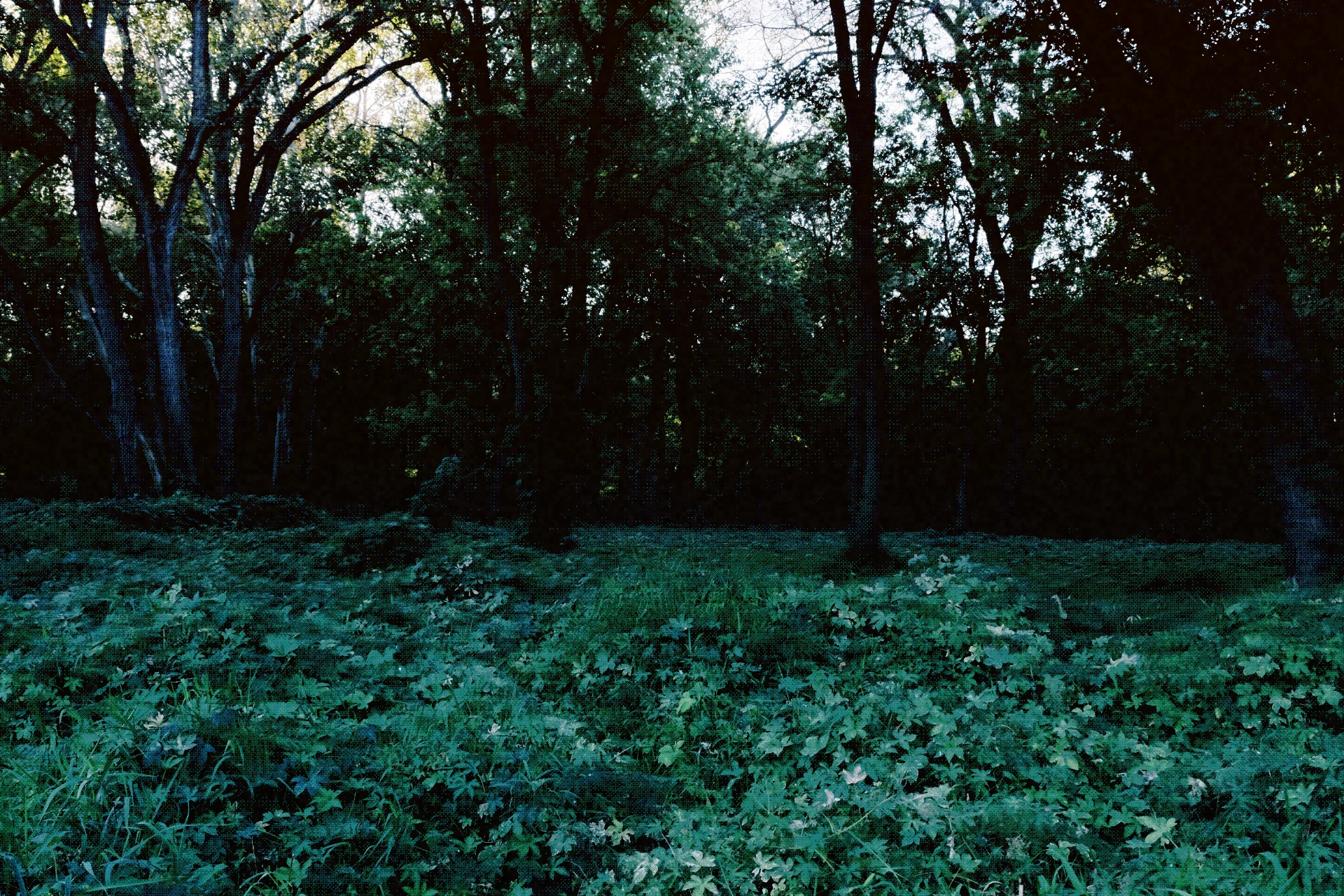
Film-inspired edits, hazy highlights, night-scene color, and optical atmosphere for artwork or photographs.
Negative interpretations
Positive interpretations of film-negative scans and experimental variations for posters and release artwork.
Consistent portfolio photography
Develop a shared approach to contrast, color, and atmosphere so photographs from a project feel like a deliberate series.
Cover and campaign palettes
Give portraits and artwork sources a distinctive color treatment that supports the typography and visual identity of a finished design.
Project ideas
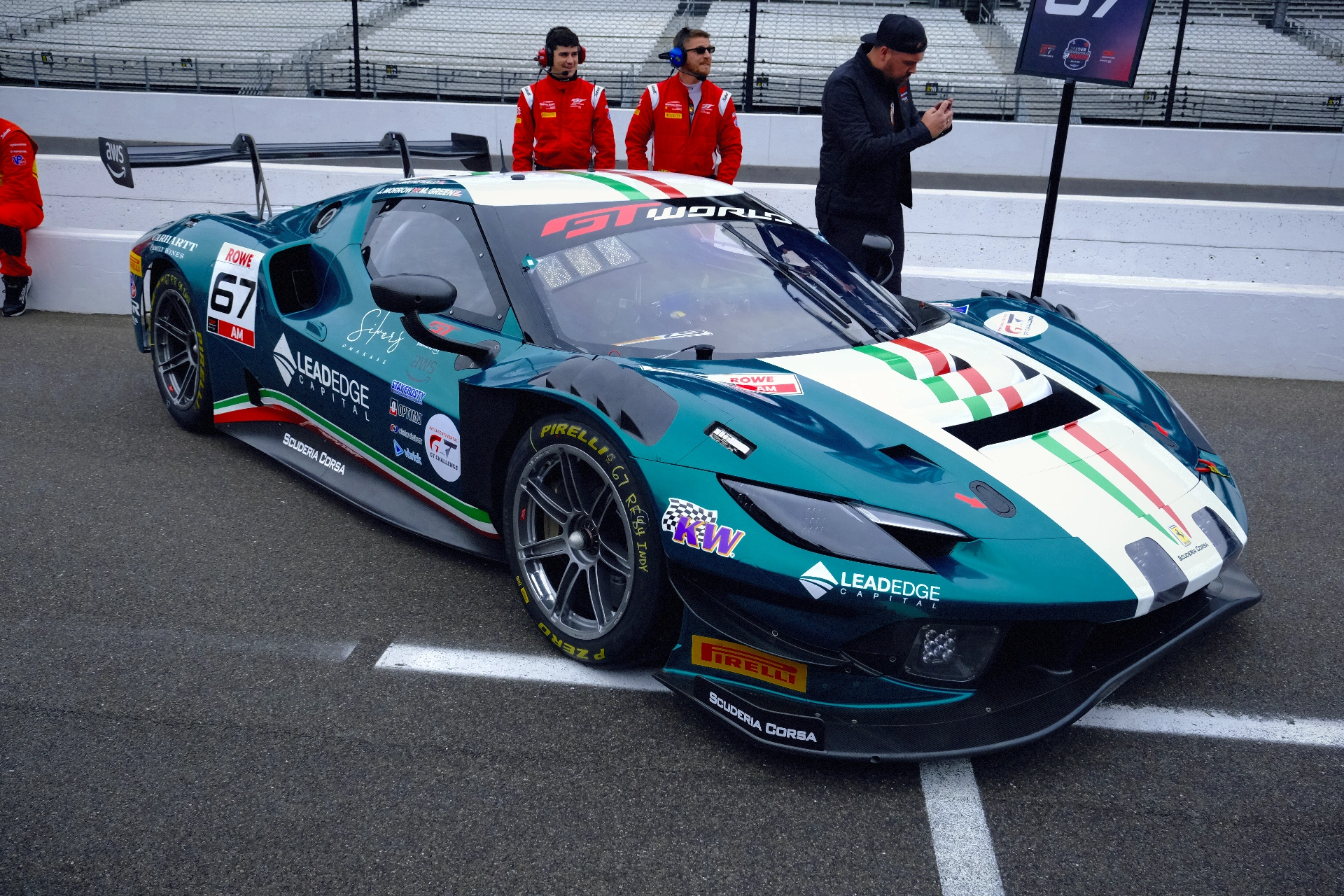
A landscape becomes a false-color study, with warm shadows and cool highlights replacing its original palette.
A portrait series gains a shared photographic grade, while a cover variant uses a bold two-color gradient.
What sets it apart
Control the photograph’s tone and color together: refine exposure and white balance, target selected colors, and shape highlights and shadows without relying on one fixed preset.
Build a look for one image or a related series. Move from natural photographic adjustments to film-inspired atmosphere, custom palettes, and deliberately stylized edits.
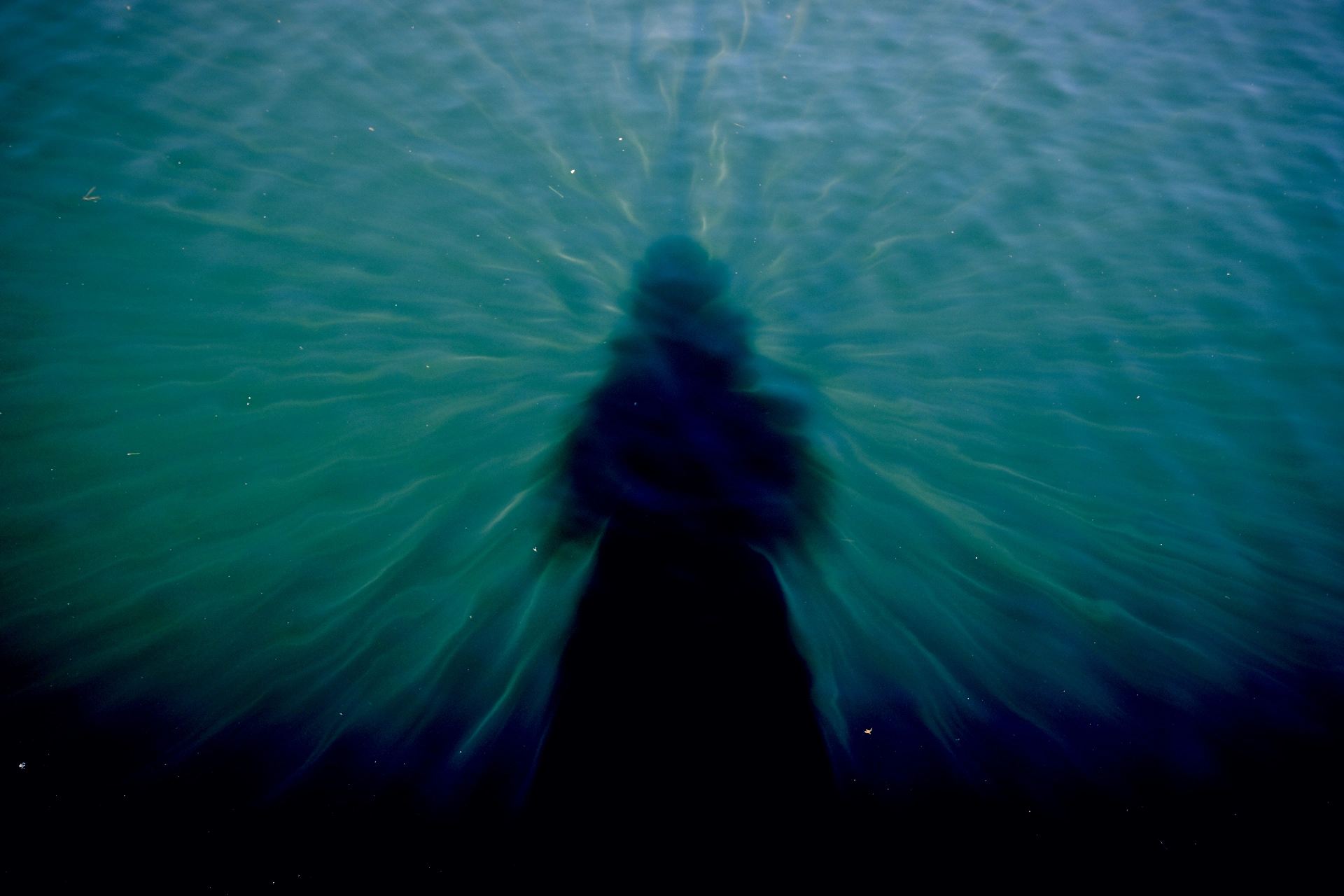
Supporting capabilities
Selective color and gradient mapping let you build a look around the image rather than relying on a single fixed preset.
Why use Colorbend?
Open Colorbend when this style of making or play feels closest to what you want.
It connects with the wider Panospace creative workflow, so results can keep evolving across compatible apps.
Inputs and exports
Supported inputs
Images and negative scans
Colorbend PAX projects
Available outputs
Graded images
Editable PAX projects