Palette Lab
Build a palette you can actually use.
Generate a set of colors, extract them from an image, or start from an existing palette. Adjust individual colors and the whole set, compare variations, and check contrast before saving or using it elsewhere.
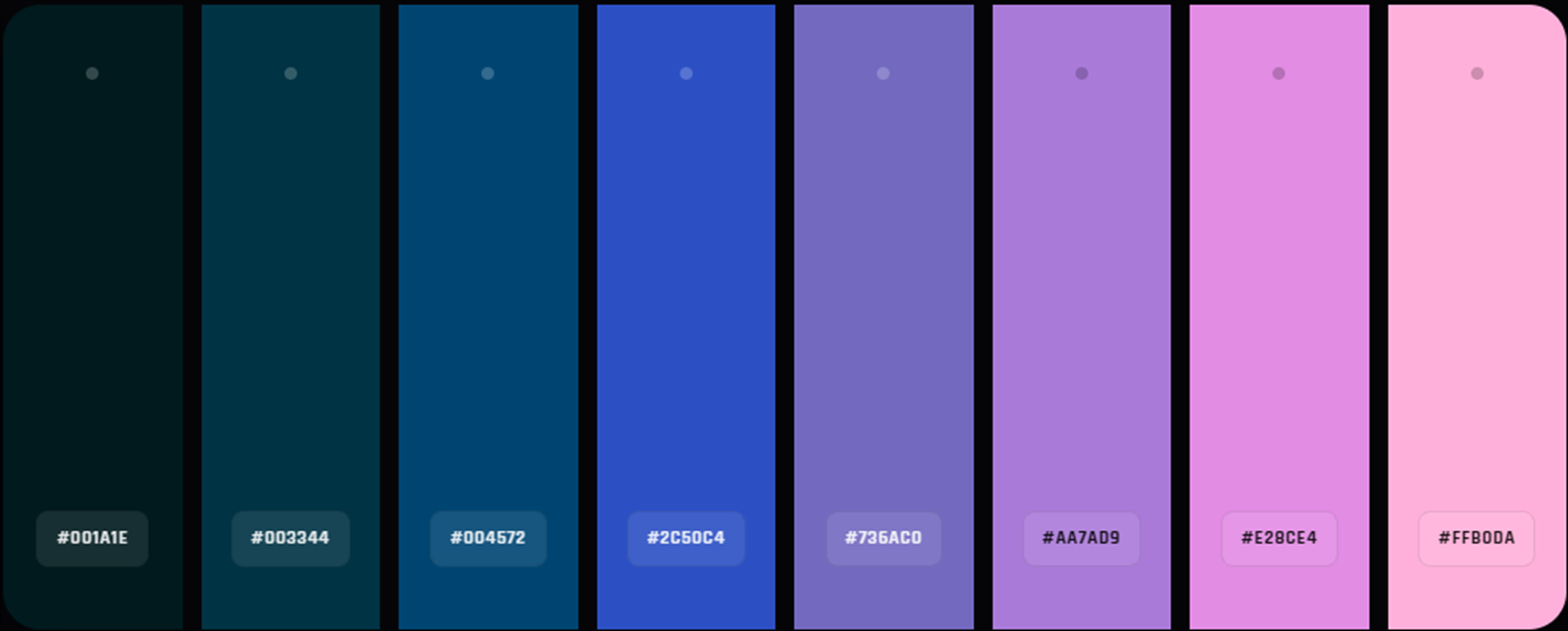
What you can do
Generate or extract
Start with seeded generation, harmony, procedural variations, or colors sampled from an imported image.
Adjust and compare
Change brightness, contrast, saturation, hue, temperature, and vibrance. Use history to compare or return to earlier variations.
Evaluate
Inspect contrast and functional color roles to see how a palette works beyond its swatches.
Keeping a palette
Save to your profile
Saving a named palette to your Panospace profile requires signing in.
Keep it locally
Save as PAX stores the palette and lab state in an editable file on your device.
Why use Palette Lab?
Open Palette Lab when this style of making or play feels closest to what you want.
It is meant to be understood quickly through direct interaction, with more depth appearing as you keep playing.
Inputs and exports
Supported inputs
Images for color extraction
Palette Lab PAX projects
Available outputs
Editable palette PAX files
Palettes saved to your profile when signed in