Pixel Maze
Make a maze, then find your way through it.
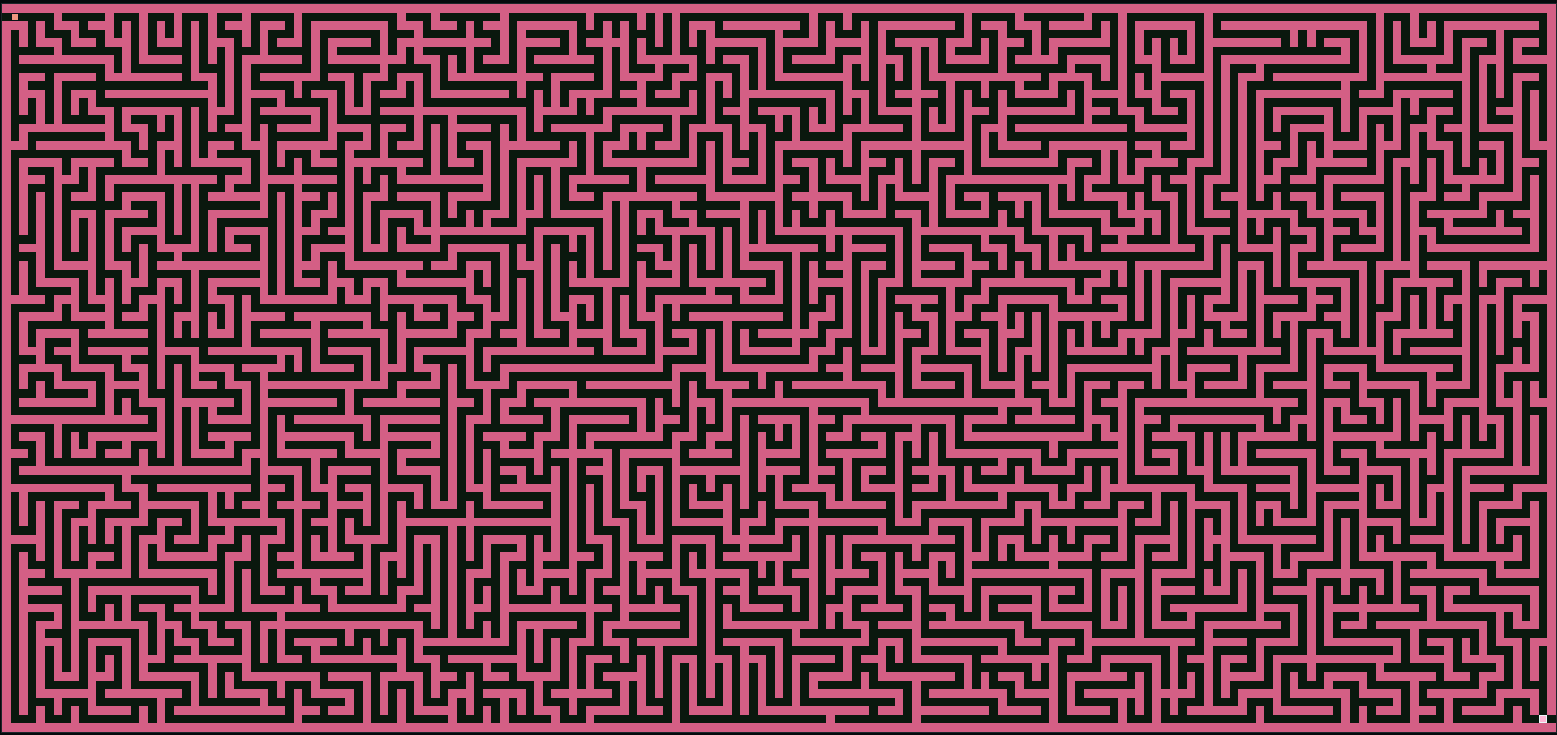
Move from the teal start to the pink exit through a maze generated from a seed. Choose the size, complexity, and shape, including connected island chains. Enable rotating rooms for a maze whose passages change while you play.
What you can do
Size and complexity
Set columns and rows from 4 to 256. Complexity shifts generation toward straighter routes or more twists and dead ends.
Shapes and cutouts
Choose a rectangle, circle, diamond, hexagon, ring, or island chain. Adjust cutout count and size, or the islands and connecting bridges.
Play options
Use a movement trail, fog, or hints. Zoom into a large maze, or turn on rotating rooms in Play Extras.
At the finish
Review your route
The finish screen reports moves, time, and movement accuracy. Show Perfect Path reveals the solution after completion.
Understand accuracy
Classic compares the shortest route with your move count. Rotating rooms counts moves toward the current exit because the maze changes.
Share or export
Copy a link with the seed and maze settings, or download a PNG of the current maze.
Why use Pixel Maze?
Seeded mazes with shifting colors, circular worlds, island bridges, and winding routes.
It is meant to be understood quickly through direct interaction, with more depth appearing as you keep playing.
Inputs and exports
Supported inputs
Available outputs
Maze PNG files
Links that share the seed and maze settings