Puba Editor
Design the Puba that appears with your account.
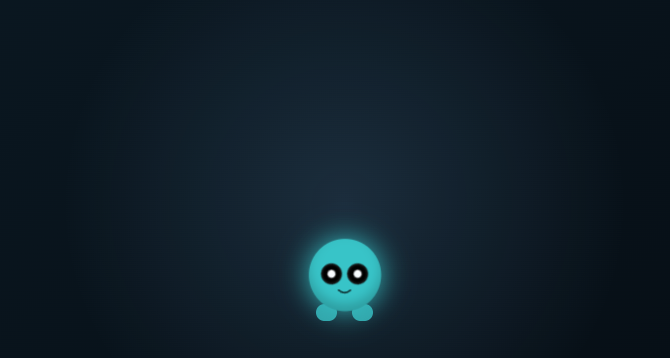
Create and customize your Panospace companion. Choose its body, face, colors, textures, feet, and accessories, then save it to your account and select which Puba is active.
What you can do
Body and finish
Choose a body or archetype, then adjust colors, markings, textures, and behavior.
Face and gear
Mix eyes, mouths, brows, and cheek details. Add feet, headwear, and other accessories.
Your companions
Create or edit a Puba, save the design, and choose the active companion from your collection.
Account settings
Save your changes
The Save action updates your account companion. You need to be signed in to keep the design there.
Where it appears
The editor includes visibility switches for the Puba and its menu and app appearances.
Why use Puba Editor?
Open Puba Editor when this style of making or play feels closest to what you want.
It is meant to be understood quickly through direct interaction, with more depth appearing as you keep playing.