Room Gallery
See your images hanging in a gallery.
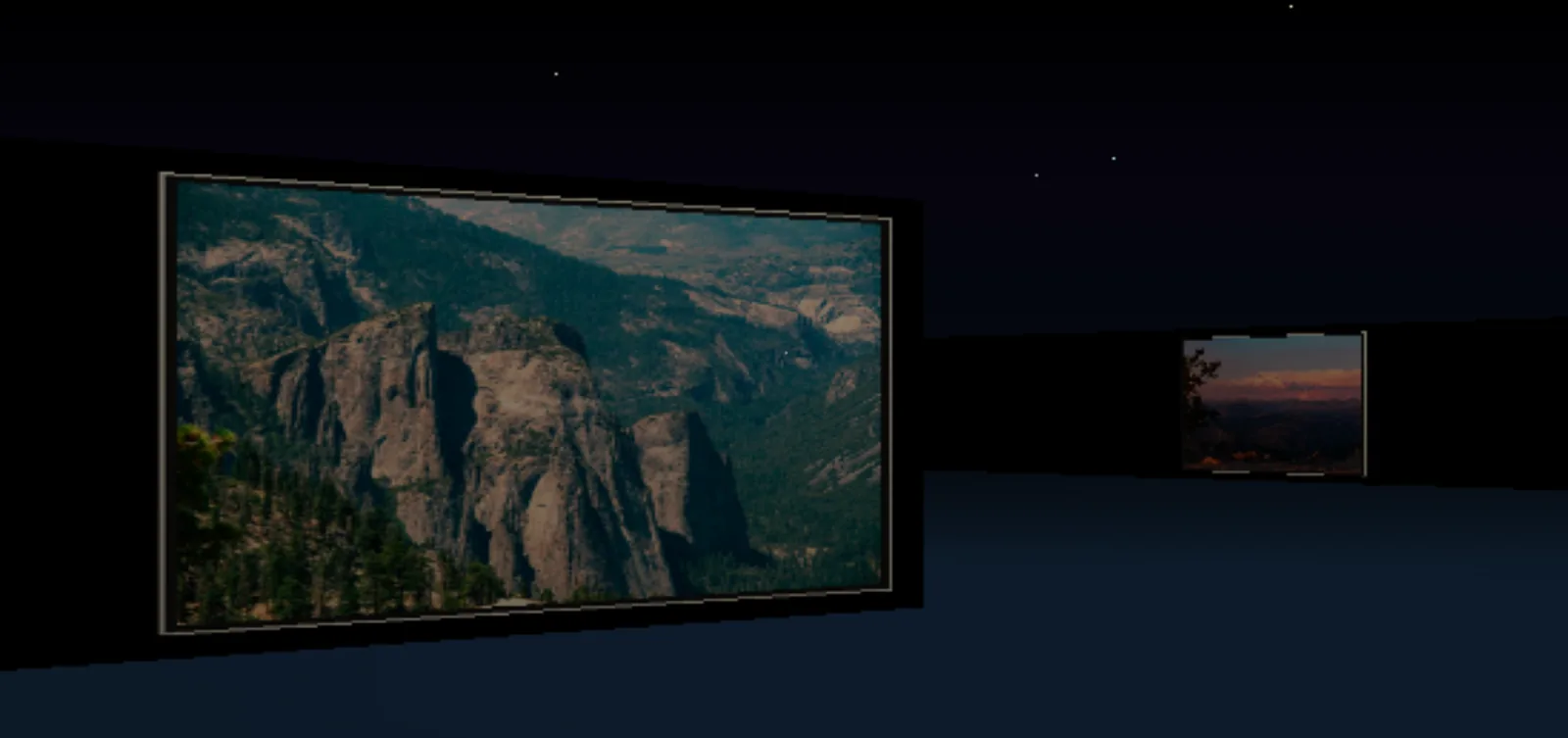
Import photos or videos and explore them as framed works inside a 3D gallery. Walk between the displays, open an individual work for a closer look, or browse the collection through All Works.
What you can do
Local collection
Import files from your device to populate the gallery. Videos can supply frames for the room.
Walk through the gallery
Explore the framed collection from a first person viewpoint instead of scrolling through a flat photo grid.
Inspect a work
Open the artwork you are looking at or use All Works to select an item from the collection.
Before you open it
Desktop controls
Room Gallery currently requires a laptop or desktop. The mobile route shows a desktop only notice.
Your imported files
Importing creates a local gallery session. It does not publish the collection to Panospace Social.
Why use Room Gallery?
Open Room Gallery when this style of making or play feels closest to what you want.
It is meant to be understood quickly through direct interaction, with more depth appearing as you keep playing.
Inputs and exports
Supported inputs
Local images, videos, and supported PAX archives