Temporal Observatory
Explore the globe, daylight, and time zones.
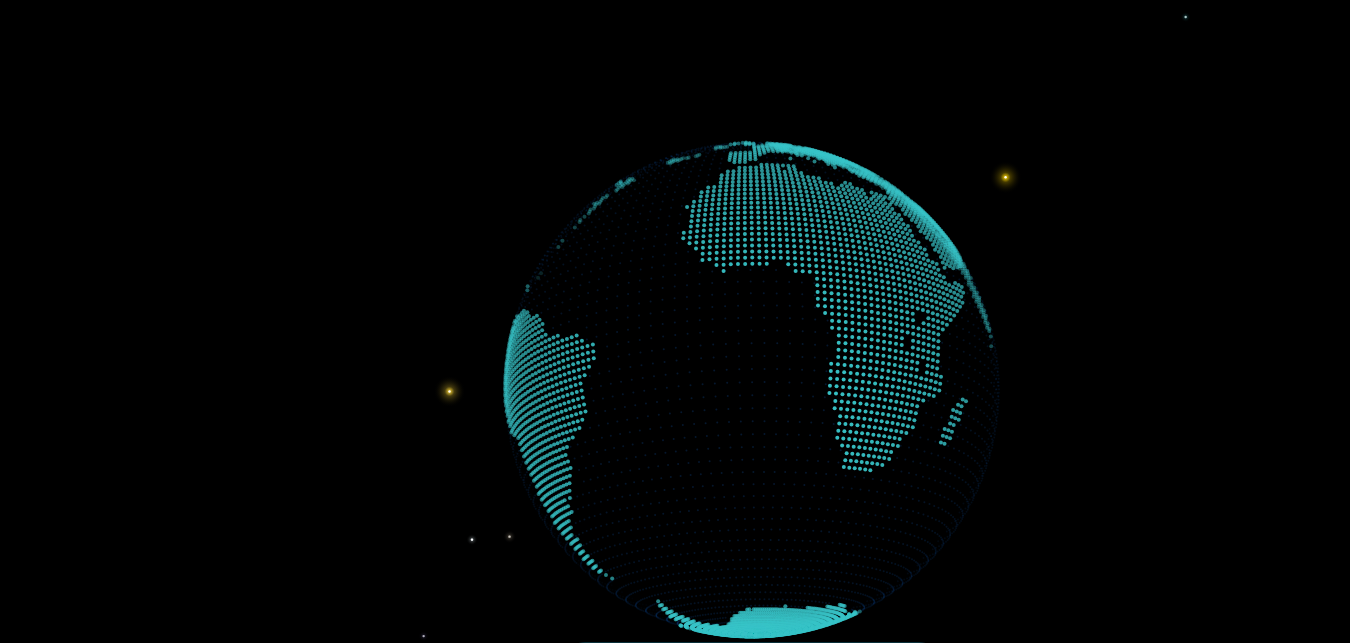
View the Earth as a globe or flat map and explore how daylight changes with time. Turn on cities and time zones, inspect locations, and move the time offset to compare the world at another hour.
What you can do
Globe and map
Switch between a spherical globe and a flat map. Rotate, pan, and zoom to inspect different regions.
Visible layers
Toggle day and night shading, cities, time zones, grid mode, and the solar map.
Time navigation
Adjust the time offset to see another hour, then reset it to the current time.
Explore the display
Location inspection
Select a point to inspect its location information. Clear the selection to return to the full view.
Display controls
Use atmosphere, energy, layers, and telemetry sections to adjust the visualization and read its data.
Why use Temporal Observatory?
Open Temporal Observatory when this style of making or play feels closest to what you want.
It is meant to be understood quickly through direct interaction, with more depth appearing as you keep playing.