3D Sketch
Draw beyond the page.
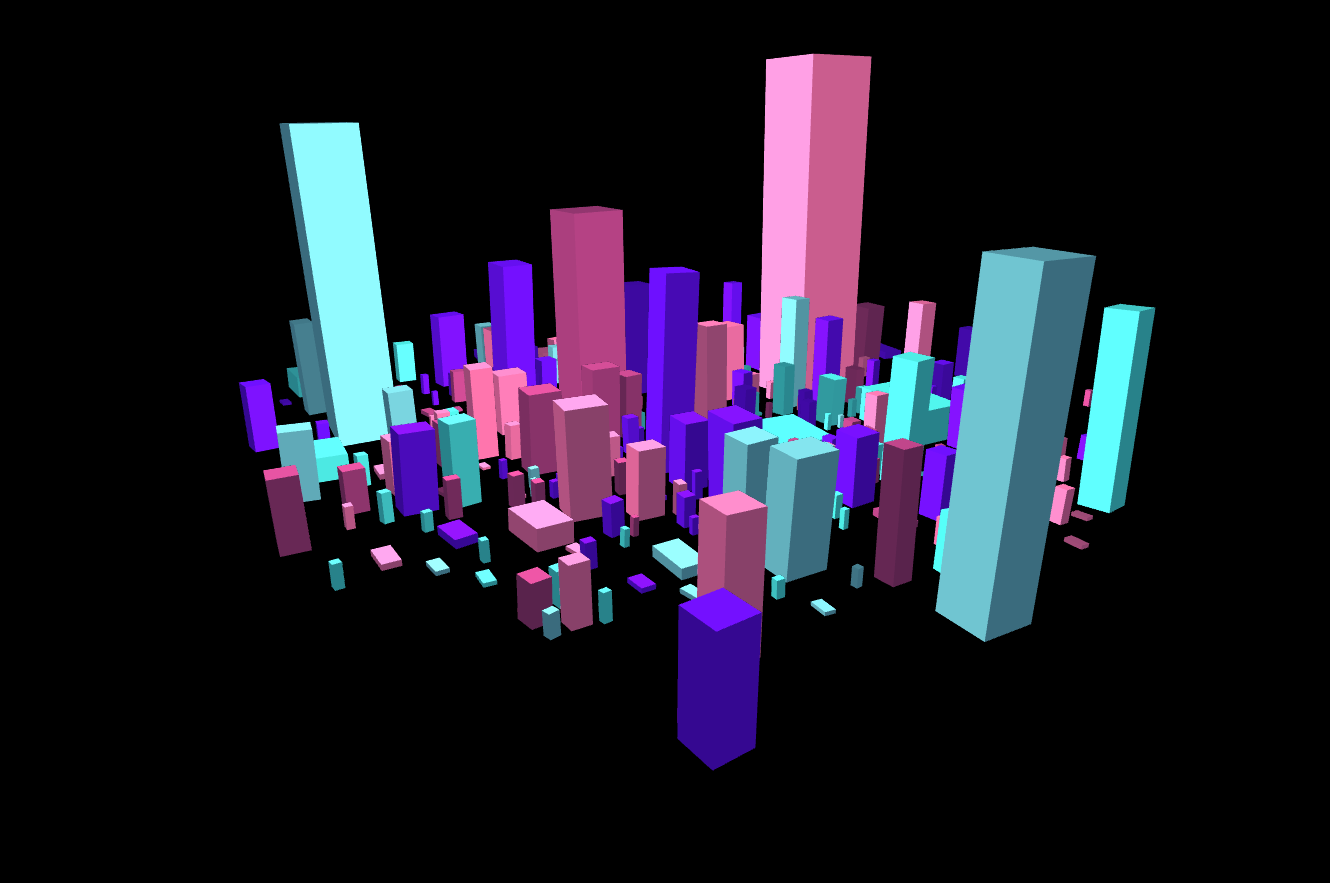
Draw, build, and compose directly in 3D. Combine hand-drawn marks, Grid Rider paths, shapes, photographs, and painted surfaces into original illustrations and sculptures, then refine the scene and capture it from different perspectives.
What you can do
Drawing that occupies space
Make spatial drawings from freehand marks, curves, and solid forms. Lines can surround objects, shapes can intersect, and a sketch can have a different silhouette from every side.
Shape the composition
Refine the composition through object and point editing, shaping the geometry and placing each element within the scene.
Photographs meet geometry
Build photo sculptures with image planes and images on compatible faces, then paint surfaces to combine photographic and drawn artwork.
Explore new variations
Explore generated groups and controlled variations, light the result, and capture finished views or export the editable scene and geometry.
What you can make
Spatial illustration
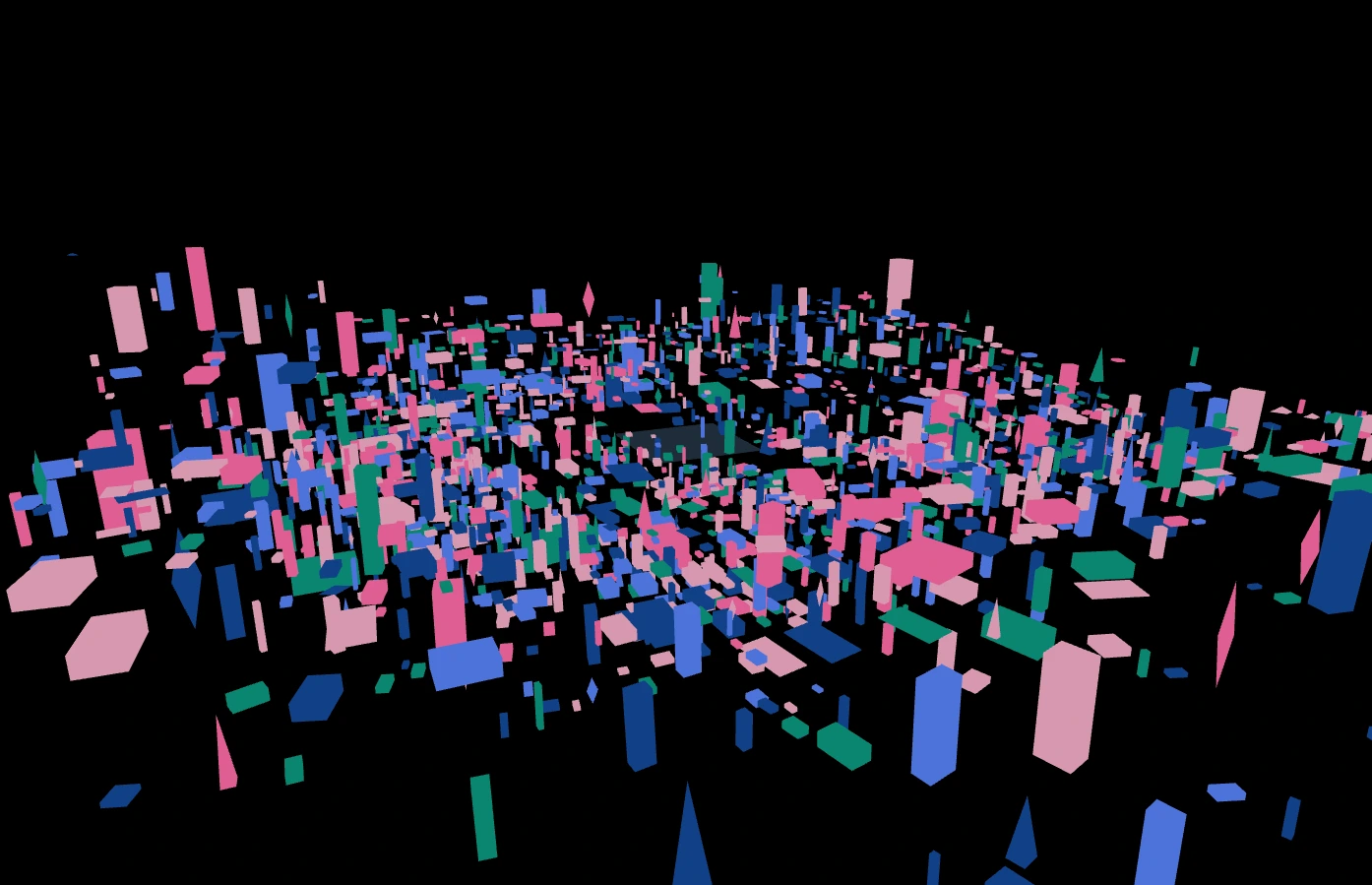
Spatial illustration, sculptural lettering, wireframe compositions, geometric objects, and abstract architectural sketches.
Photo constructions
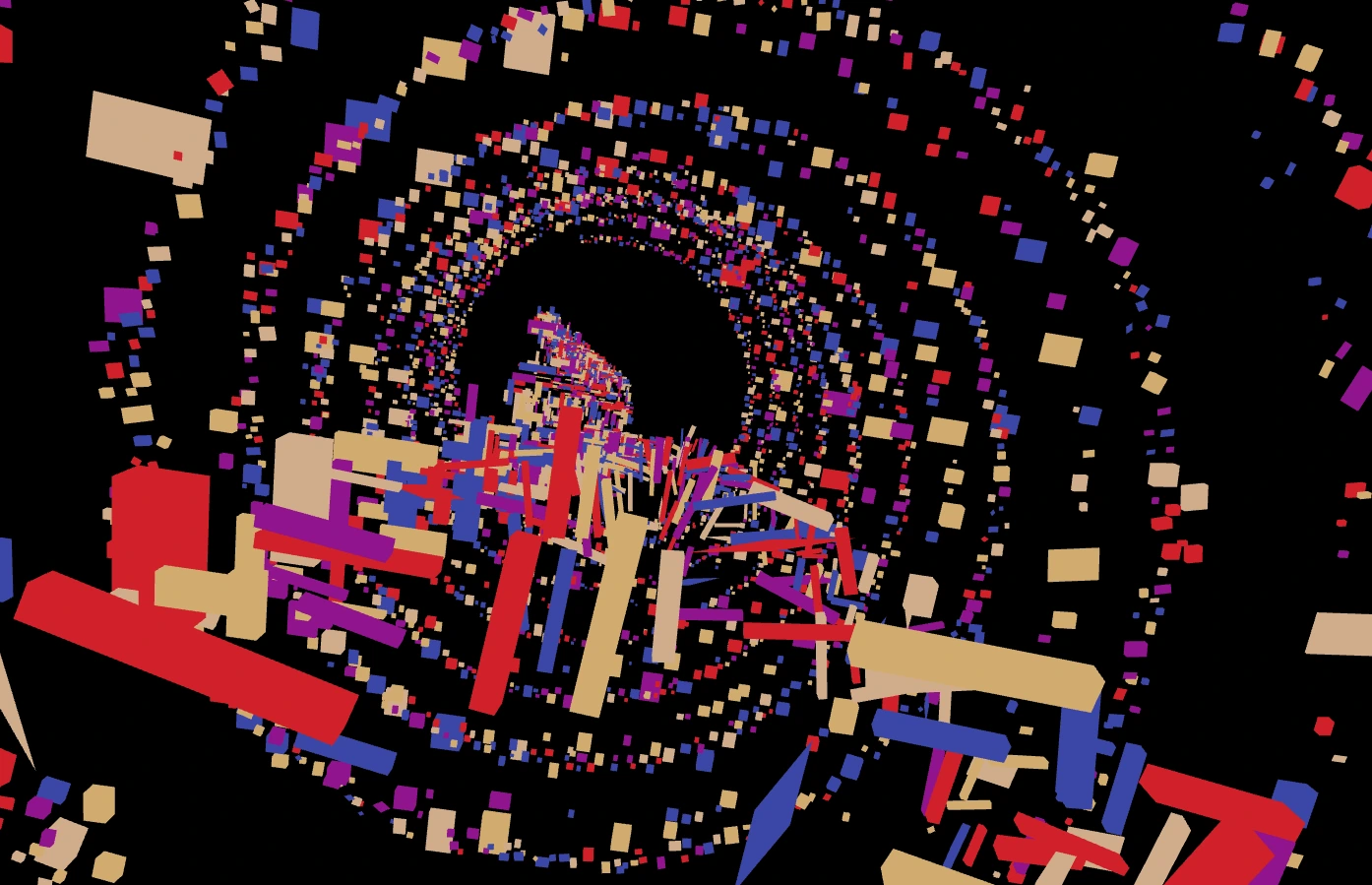
Photo constructions: combine image planes with solid forms, map different photographs onto faces, or distribute images along a path.
Sculpture variations
Procedural scenes and sculpture families: generate a group, preserve selected properties, and explore controlled mutations.
Painted objects
Painted 3D objects, multi-angle presentation sheets, and geometry studies for further work outside the app.
Covers and promotional imagery
Combine photographs and drawn or solid forms into a strong spatial composition, then capture the view that best fits the design.
Multi-view artwork presentations
Show a scene from several angles to reveal its composition and construction, or export geometry for further work in another tool.
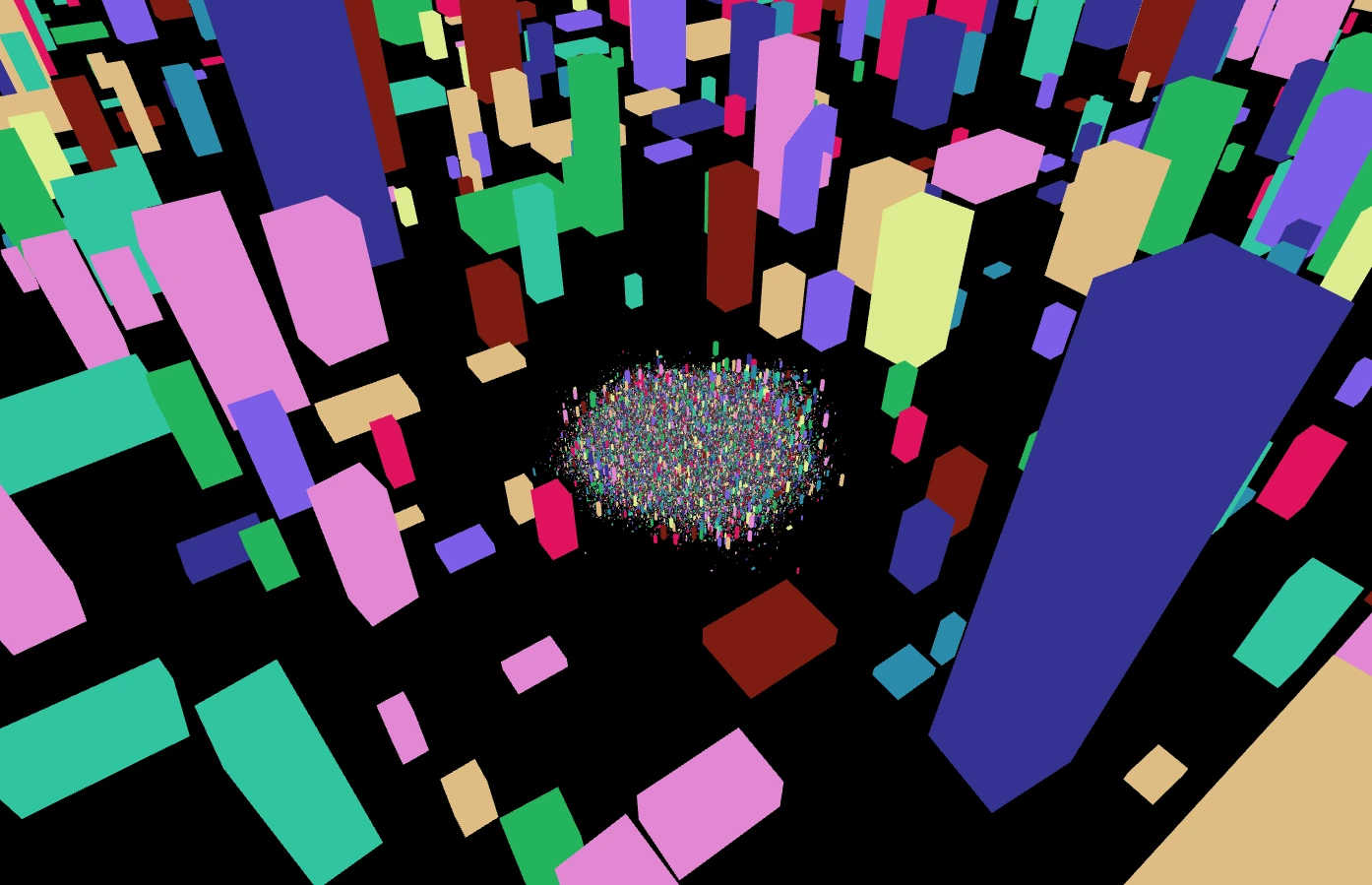
Project ideas
Hand-drawn lines surround a painted solid form to create an illustration that changes as the viewer moves around it.
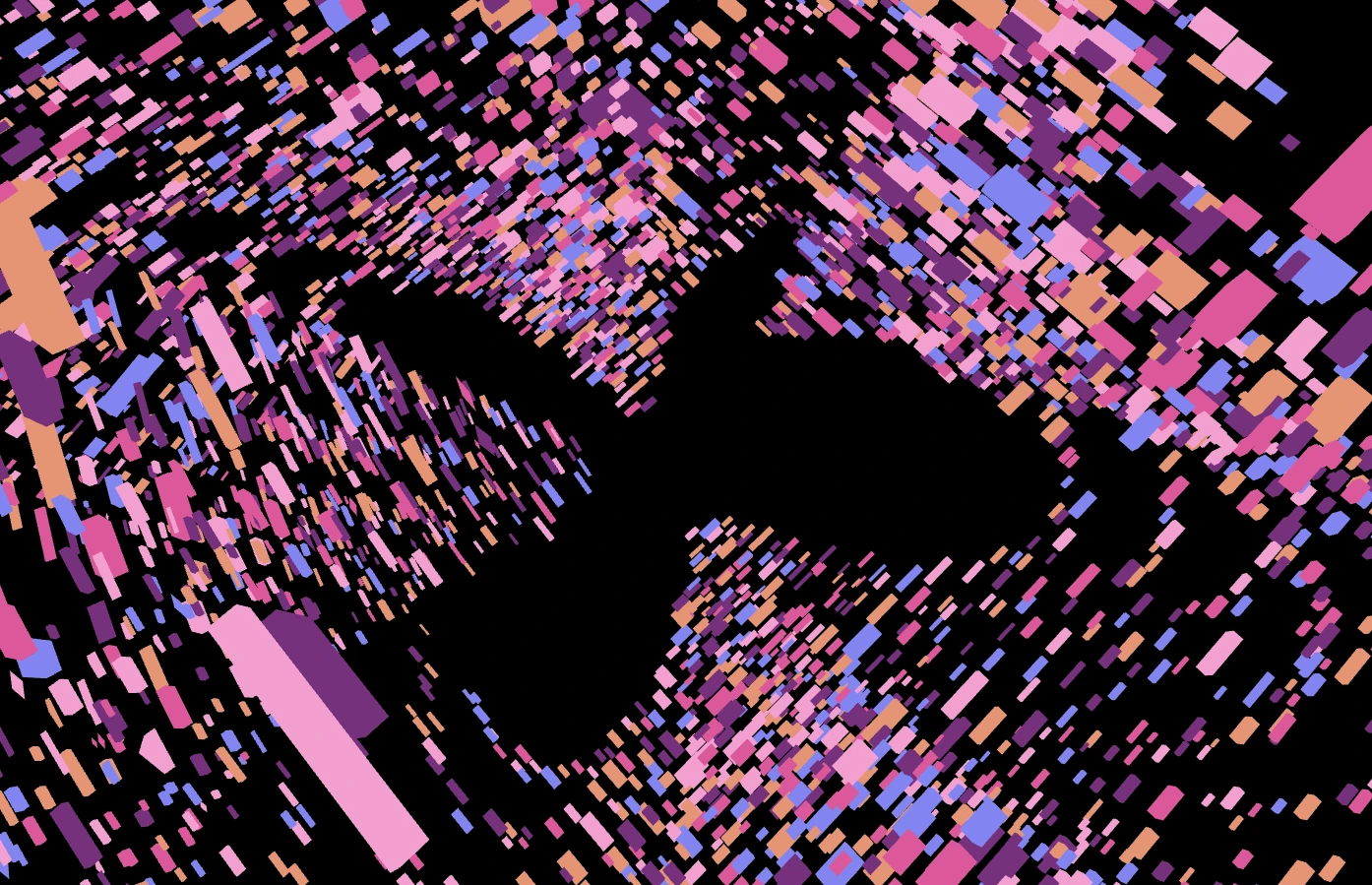
Photographs placed on planes and object faces become a spatial cover composition with several distinct viewpoints.
What sets it apart
Make a drawing that occupies space: combine hand-drawn marks, solid forms, and images, then move around the artwork instead of working from one fixed view.
Edit the objects, points, surfaces, and arrangement to develop a scene or sculpture. Capture finished views, save the editable project, or export geometry for further work.
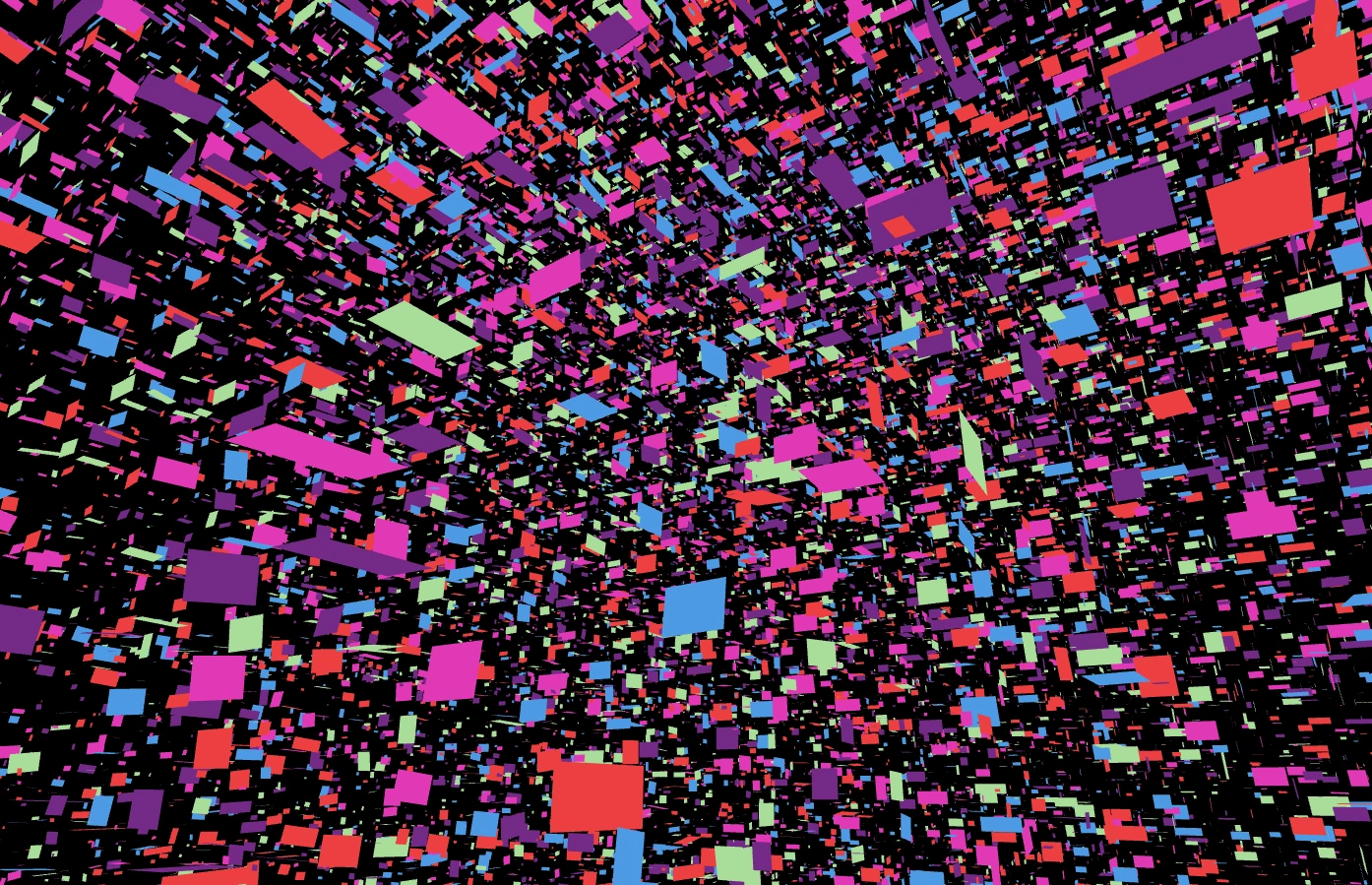
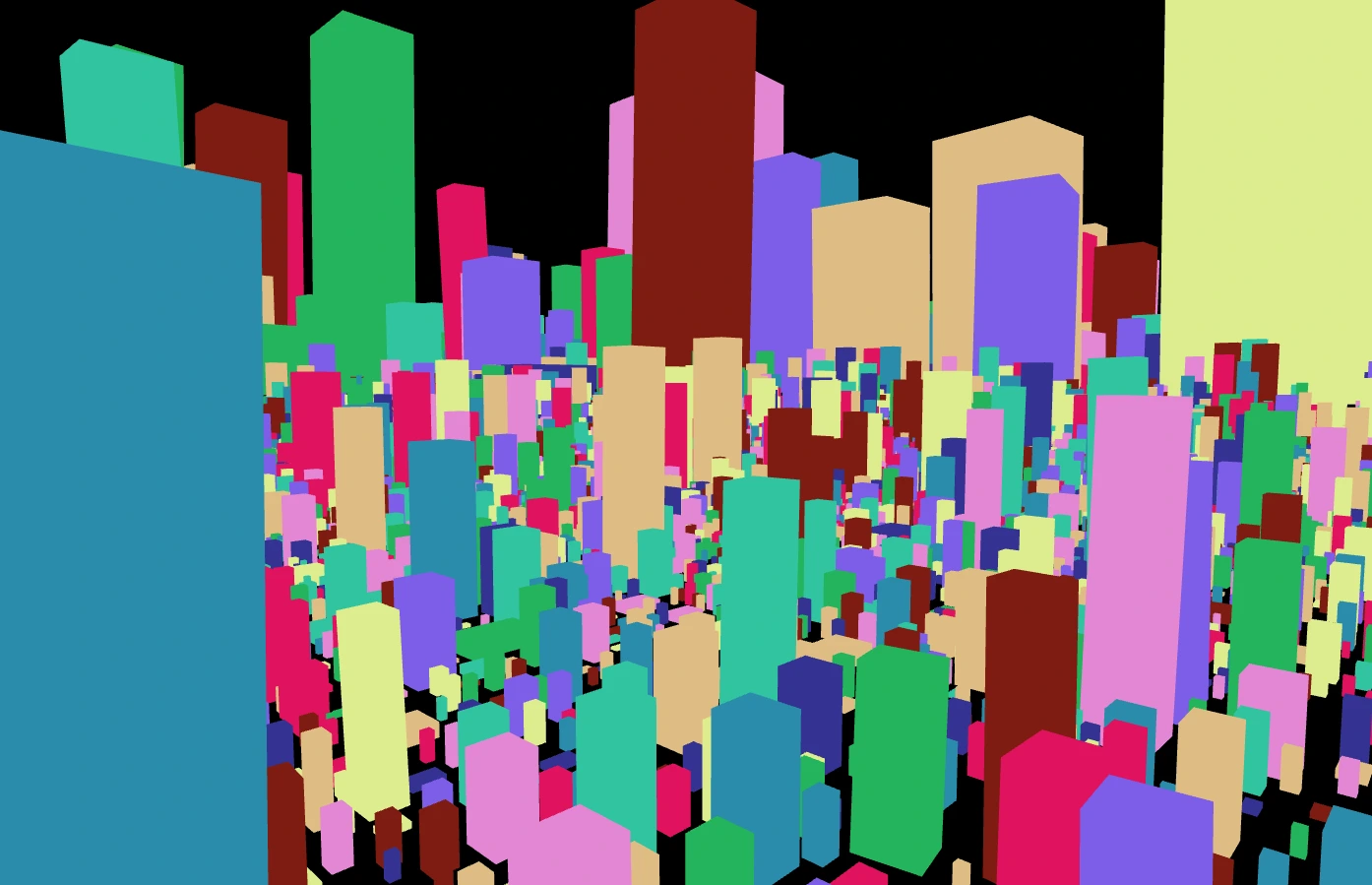
Supporting capabilities
Save an editable project to continue shaping the scene; image captures and geometry exports provide different finished outputs.
Why use 3D Sketch?
Spatial drawing, shapes, point forms, and Grid Rider movement drawing in one scene.
It connects with the wider Panospace creative workflow, so results can keep evolving across compatible apps.
Inputs and exports
Supported inputs
Local images and image collections
Compatible PAX scenes
Available outputs
PNG and custom images
Dimension sequence sheets
Editable PAX projects
PLY, STL, and OBJ geometry