Canvas Stack
Build artwork across canvases, through depth.
Combine drawing, photographs, and text across canvases arranged in 3D. Cut and reshape the layers to build spatial collages, illustrated scenes, dimensional lettering, and sculptural artwork with an editable surface on every sheet.
What you can do
Compose across canvases
Compose across independent sheets while seeing the entire construction in space. Drawings, photographs, and text can each occupy their own layer.
Reveal the layers behind
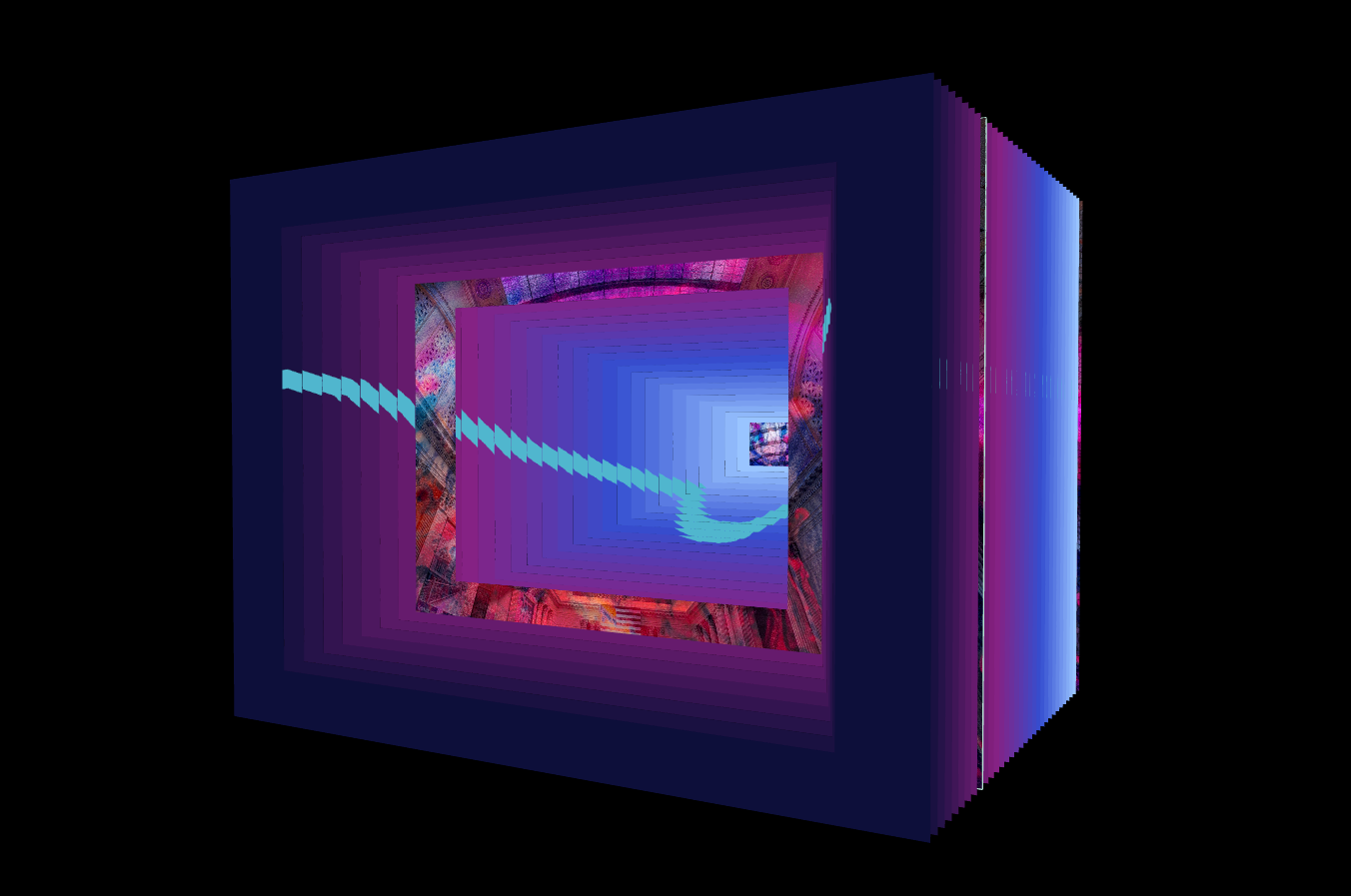
Carve openings through one sheet or many, revealing imagery and color behind them to build tunnels, cut-paper scenes, and sculptural lettering.
Build through depth
Arrange canvases in rings, spirals, grids, and spheres, or shape their cross-sections into bowls, tubes, and other sliced volumes.
A moving construction
Animate the layers and camera to reveal how the piece is built, or develop a new construction from generated layouts and automatic cuts.
What you can make
Tunnel books and paper art
Paper-cut illustrations, tunnel books, layered posters, sculptural lettering, and stacked color reliefs.
Photographic installations
Photographic installations and collage: distribute several images through depth, then cut openings that reveal the layers behind.
Slice-built sculptures
Slice-built objects and abstract sculpture: carve or shape the stack into a bowl, vase, hollow tube, or repeated form.
Moving design studies
Moving design studies: ripple, peel, fan, or orbit the layers while exploring them with the camera.
Dimensional covers and posters
Combine lettering, illustration, and photographs at different depths to create a finished cover image with a strong layered composition.
Original photo artwork
Arrange several photographs on separate canvases and cut openings between them to build a new composition from the collection.
Project ideas
A stack of illustrated sheets becomes a tunnel book, with an opening revealing each scene behind the next.
Several photographs become a suspended collage, with separate canvases arranged around a central viewing point.
What sets it apart
Work on individual sheets while seeing the whole construction in 3D. Combine illustration, photographs, and lettering into layered artwork with real spatial arrangement.
Carve openings through the stack, shape it into volumes, and move its layers. Make tunnel artwork, paper-like sculpture, dimensional posters, and photographic installations.
Supporting capabilities
Each canvas remains a working surface inside the 3D composition. Layer Space rendered stacks can also become editable sheets here.
Why use Canvas Stack?
Cut, arrange, draw on, and compose images across editable layers and spatial stacks.
It connects with the wider Panospace creative workflow, so results can keep evolving across compatible apps.
Inputs and exports
Supported inputs
Individual images or image batches
Rendered Layer Space PAX stacks
Available outputs
3D scene PNG
Selected sheet PNG
Post-ready spatial scenes