Layer Space
Compose with layers that occupy real space.
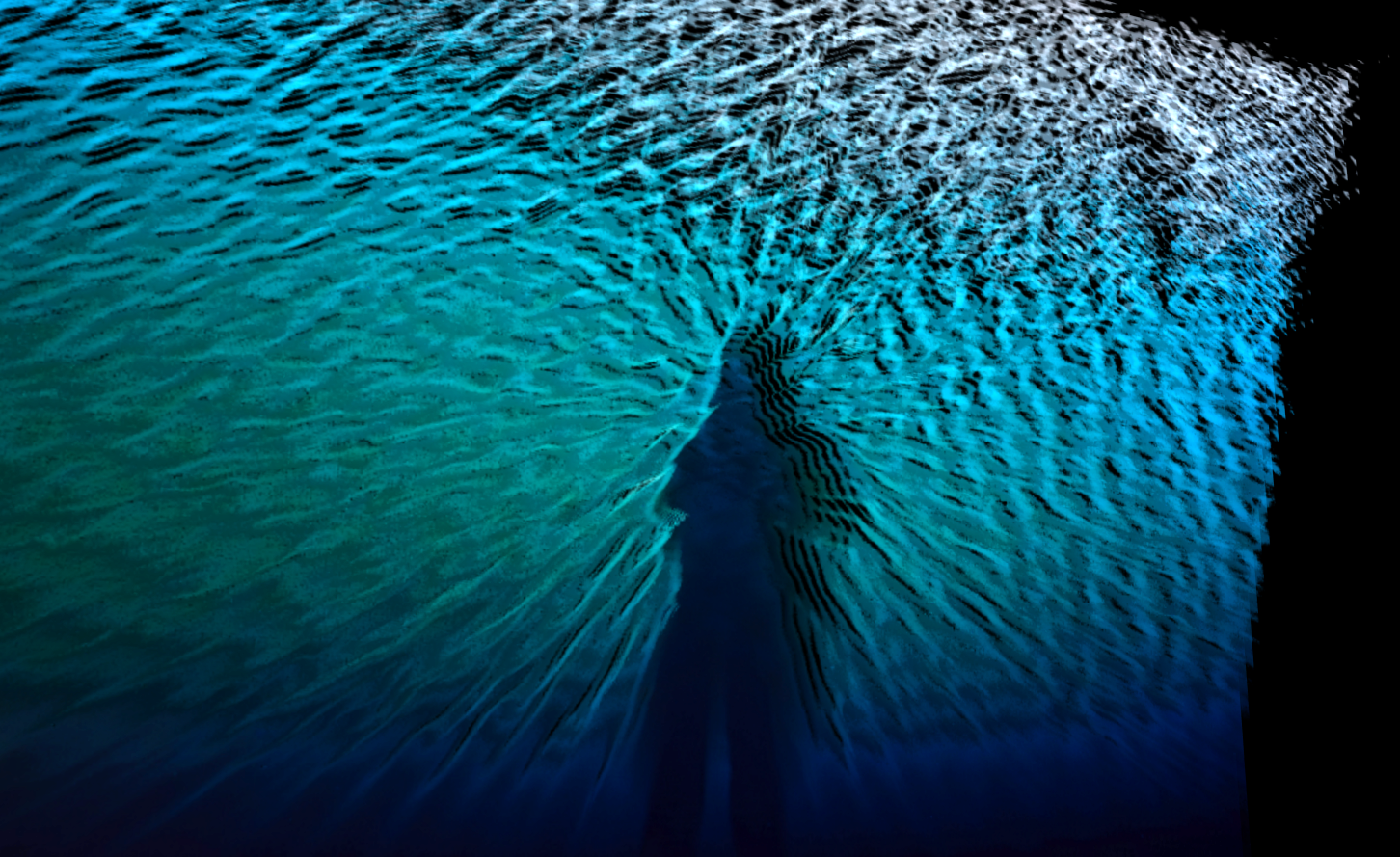
Create dimensional artwork from photographs and graphics. Separate images into editable layers, combine two sources, and reshape the composition into photographic sculptures, moving cover imagery, and assets for further design work.
What you can do
Choose how pixels separate
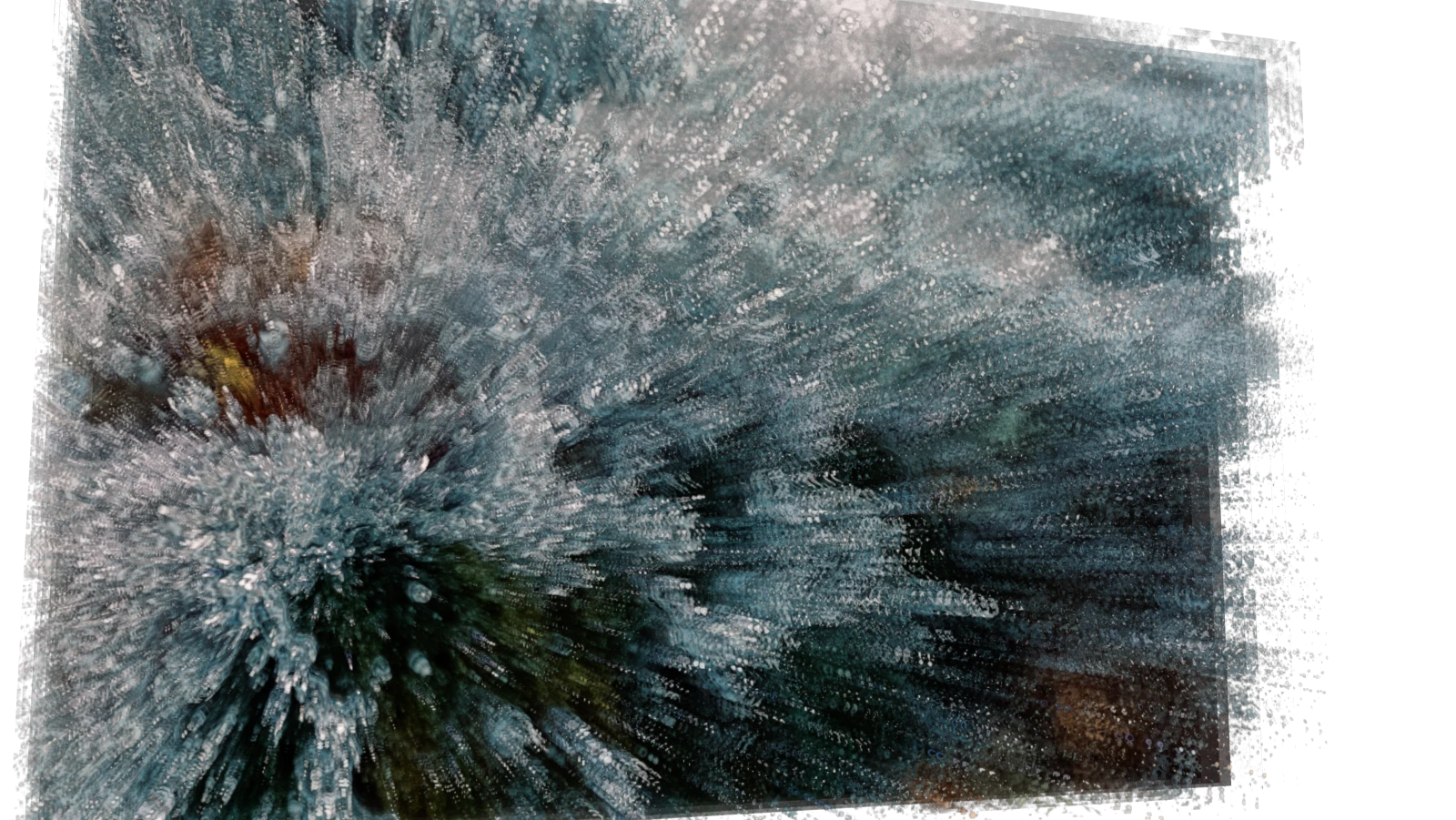
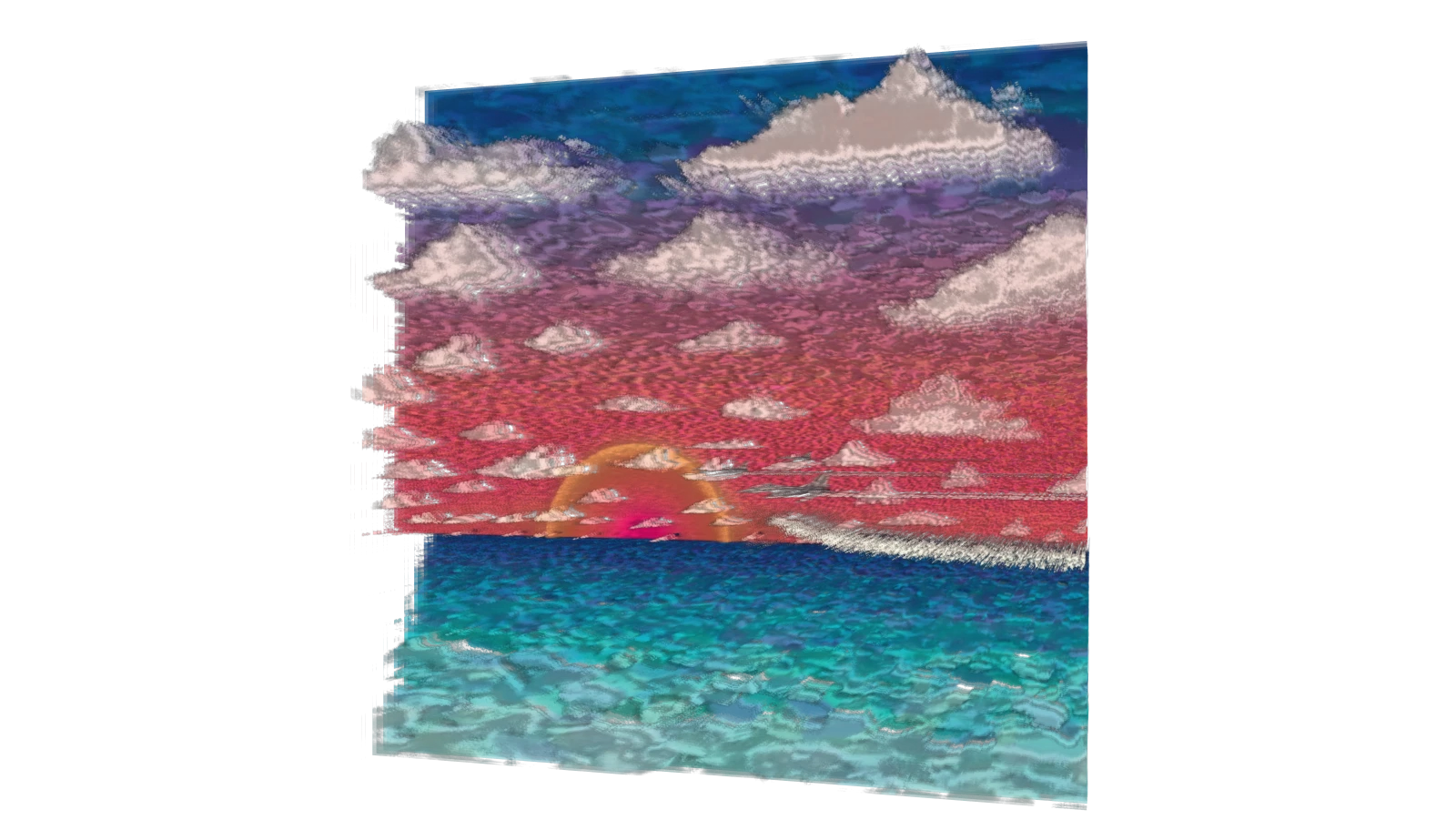
Divide an image by tone, color, or edges so different parts of the picture occupy different depth planes.
Combine two sources
Combine two sources into one composition, blending them or distributing their imagery by lightness and hue.
Shape and move the stack
Shape the layers into planes, cylinders, cubes, or spheres, then twist, spread, or ripple the stack to change its silhouette.
Edit selected regions
Paint, push, pull, and erase targeted regions while developing the layered construction. Capture the scene or export its separate image layers for further composition.
What you can make
Layered portraits
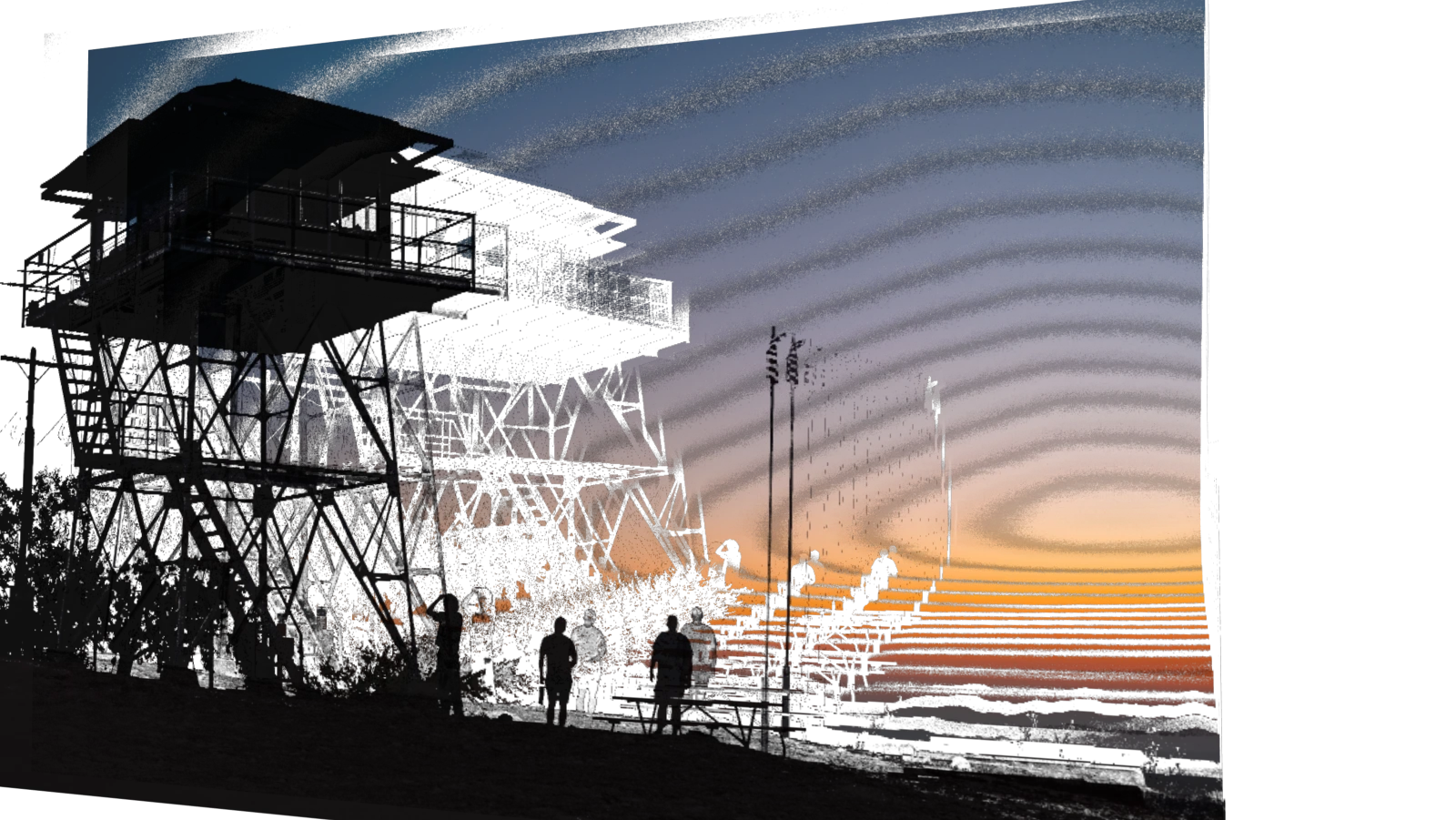
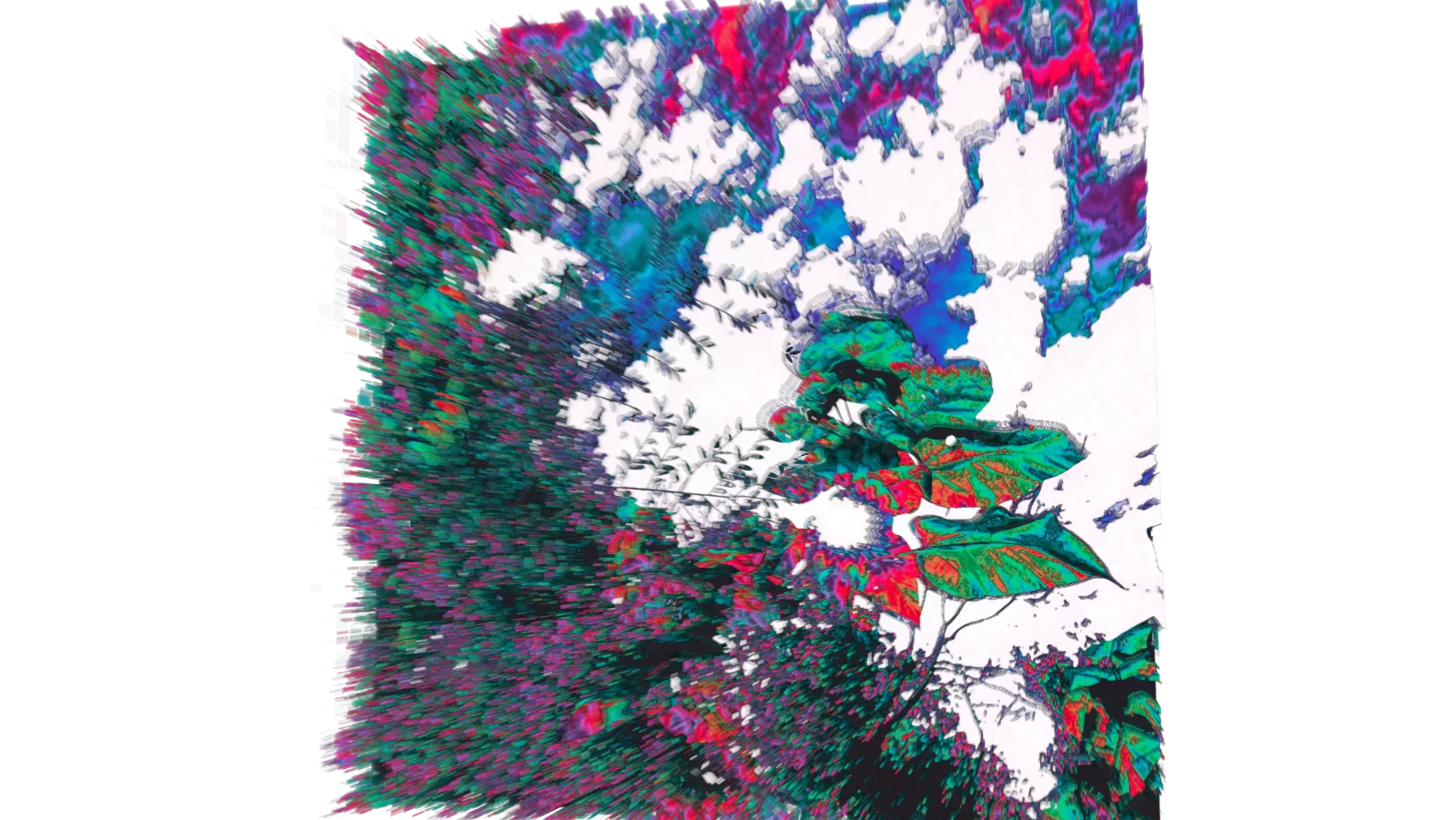
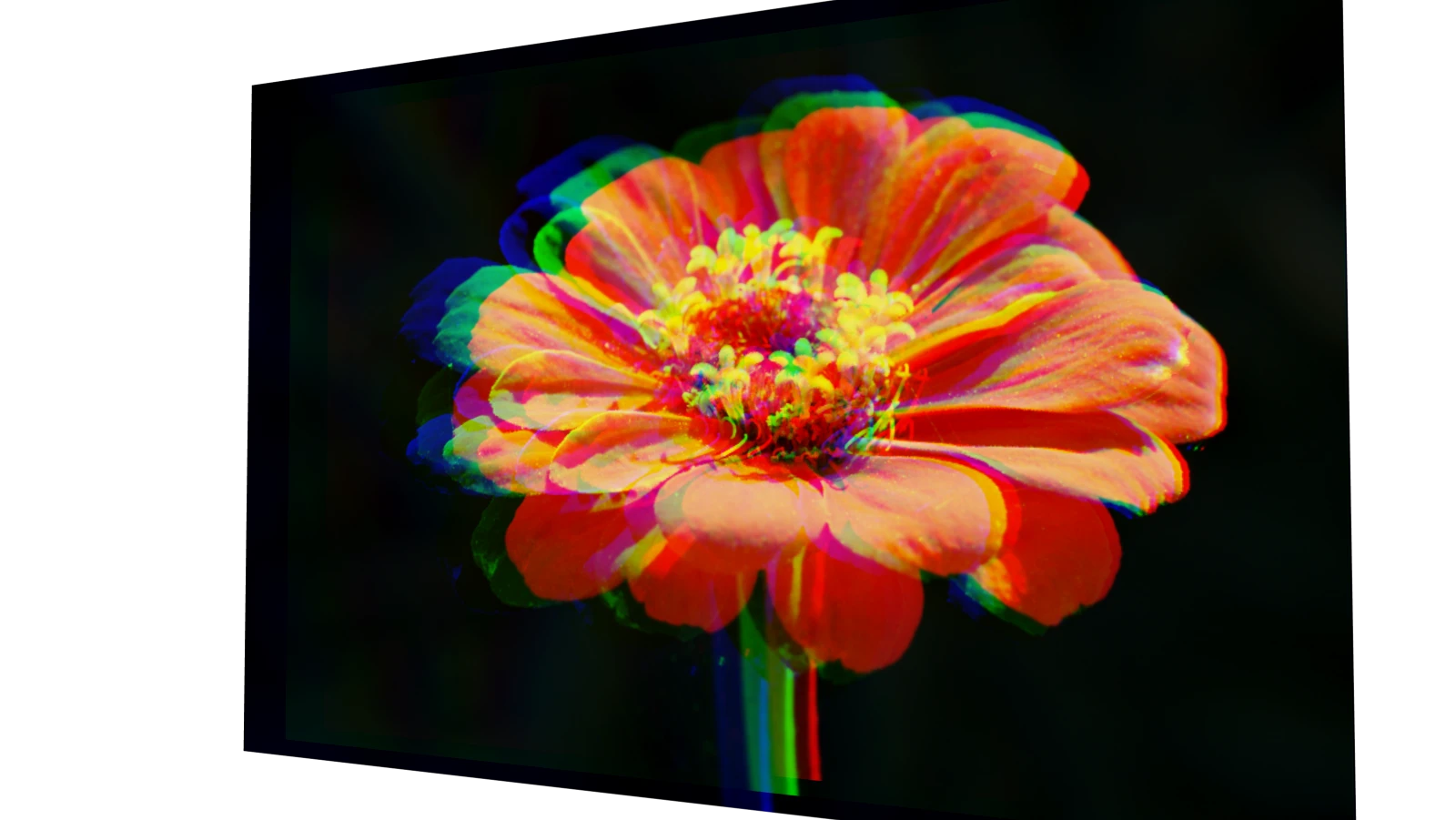
Color-separated portraits, tonal landscapes, layered typography, photographic reliefs, and exploded image sculptures.
Two-image compositions
Two-image composites: divide a portrait and texture by lightness or hue to create a shared dimensional composition.
Moving cover artwork
Cover imagery, exhibition visuals, parallax studies, and camera views that expose the construction of a familiar image.
Assets for spatial collage
Separate PNG layer assets for compositing, or rendered layer stacks you can continue cutting and arranging in Canvas Stack.
Exhibition and portfolio imagery
Capture several views of one layered piece to show both the complete image and the depth of its construction.
Photo-based graphic design
Combine a subject with another image or texture to create layered source artwork for a cover, poster, or promotional graphic.
Project ideas
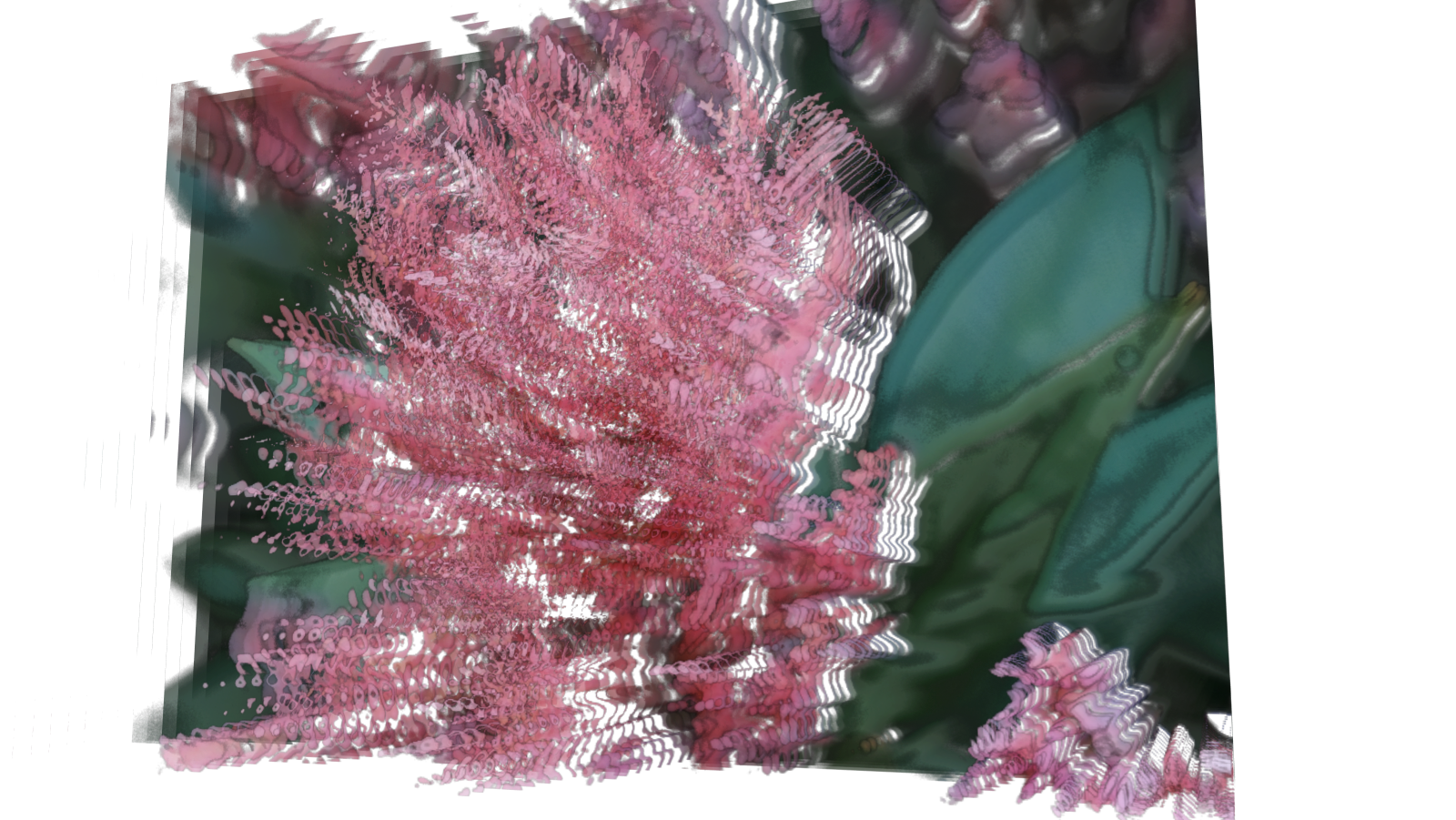
A vivid portrait becomes a sculpture of separated colors, recognizable from the front and fragmented from the side.
A face and a landscape share one layered composition, with their imagery divided between light and dark regions.
What sets it apart
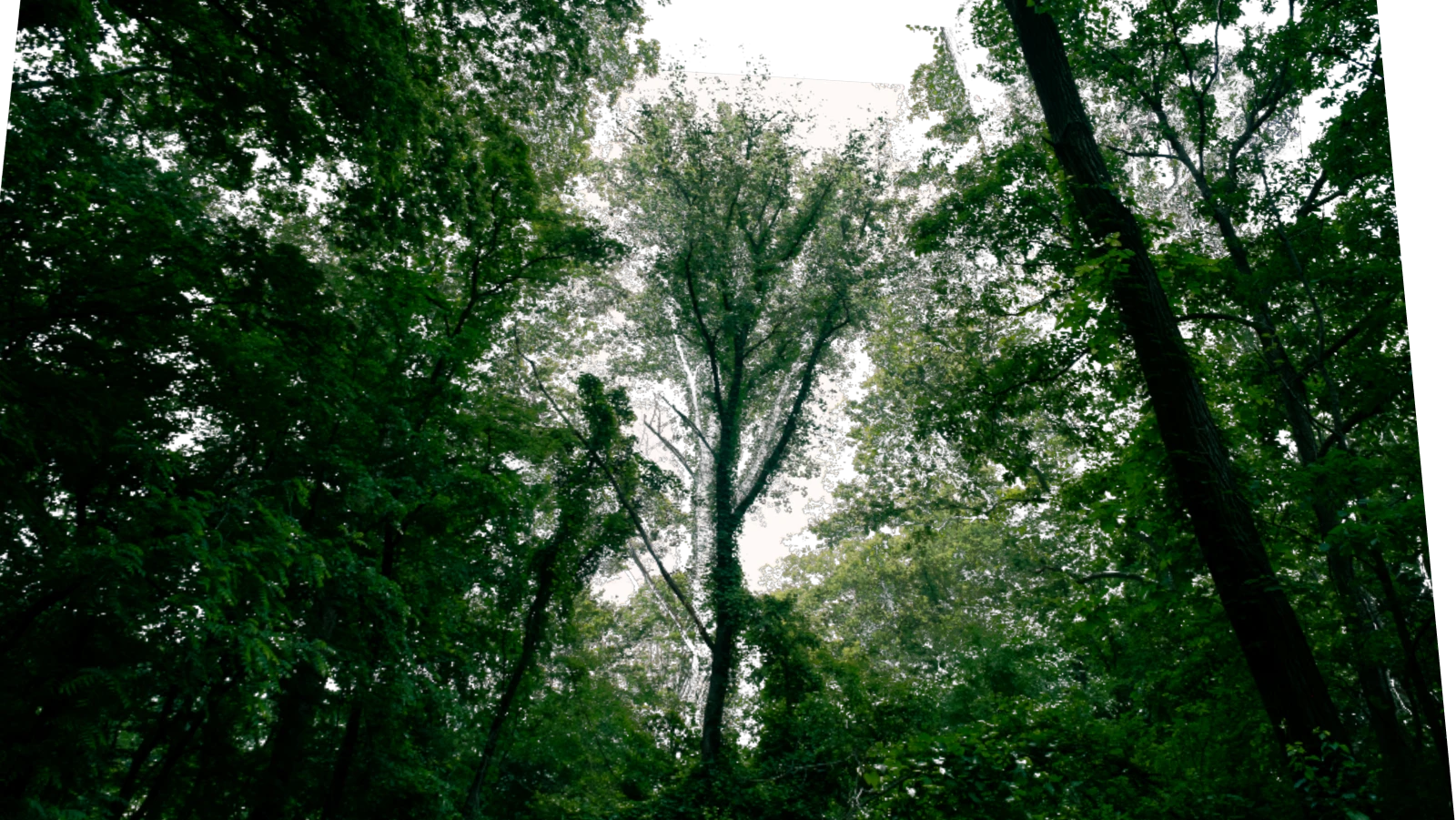
Take a flat image apart into layers you can space, shape, and edit in three dimensions. A front view can preserve the picture while an angled view reveals its construction.
Build a new composition from one or two photographs, then capture it, animate it, or export the individual layers for further work.
Supporting capabilities
Layer separation follows pixel rules such as tone or hue; it does not automatically identify objects or foreground depth.
Why use Layer Space?
Import a photo, split it into 2D depth layers, and pan the stack around in 3D.
It connects with the wider Panospace creative workflow, so results can keep evolving across compatible apps.
Inputs and exports
Supported inputs
One or two images
Layer Space PAX projects
Available outputs
PNG and custom images
Selected layer PNG and all-layer ZIP
Dimension sequences and recorded video
Layer Space and Canvas Stack PAX
PLY, STL, and OBJ plane geometry