PicMix
Mix photographs into something unexpected.
Combine local images with blend modes, tonal masks, and displacement. Control how photographs interact, preserve the base palette, and develop layered compositions with live effects.
What you can do
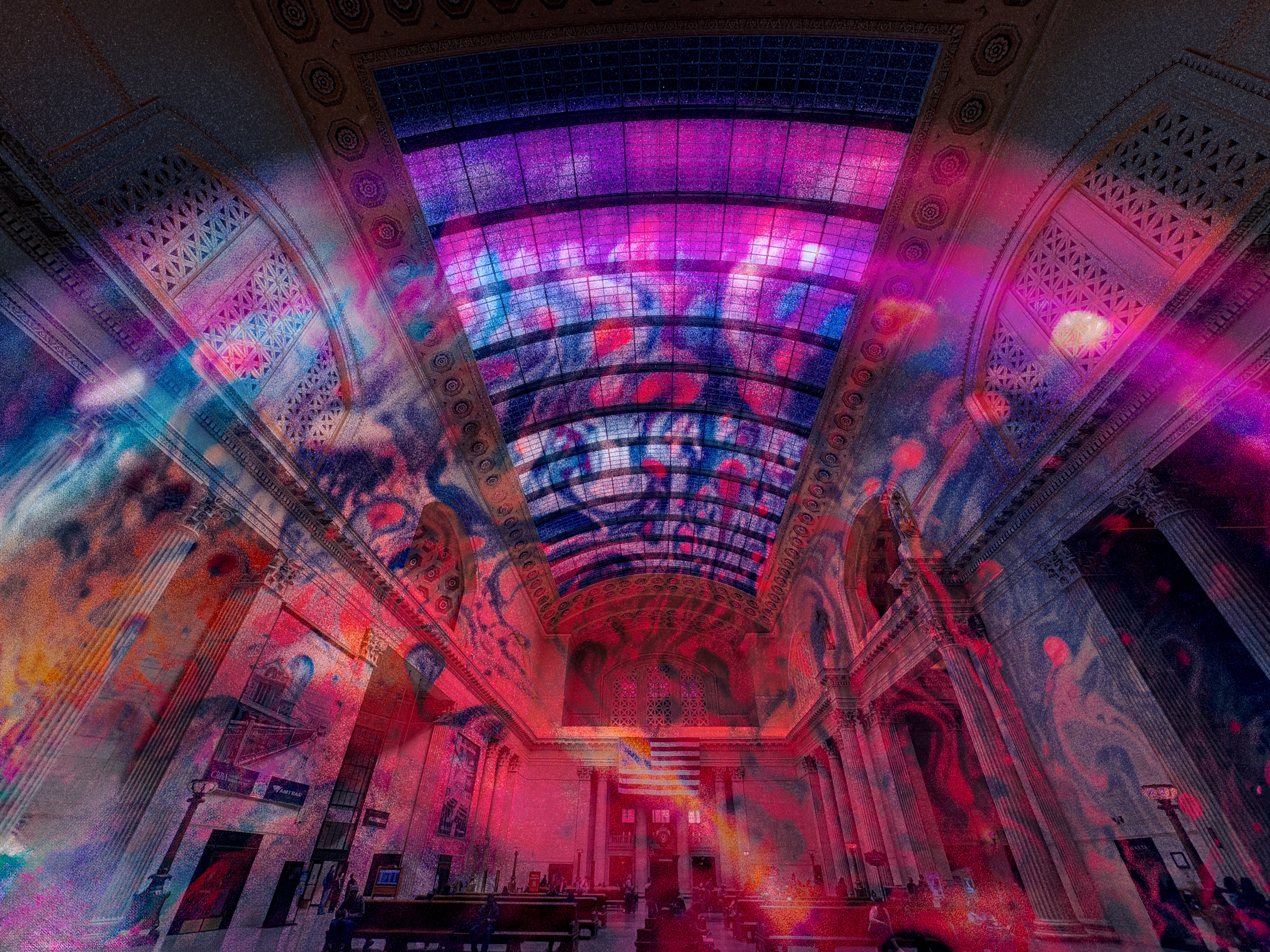
Blend photographs
Mix images with adjustable blend modes and blend strength.
Control tonal masks
Target shadows, midtones, or highlights with threshold, softness, and inverted masks.
Arrange your sources
Scale, rotate, offset, and swap images to shape the composition.
Explore live effects
Explore waves, edge masks, RGB separation, saturation, and posterization.
What you can make
Double exposures
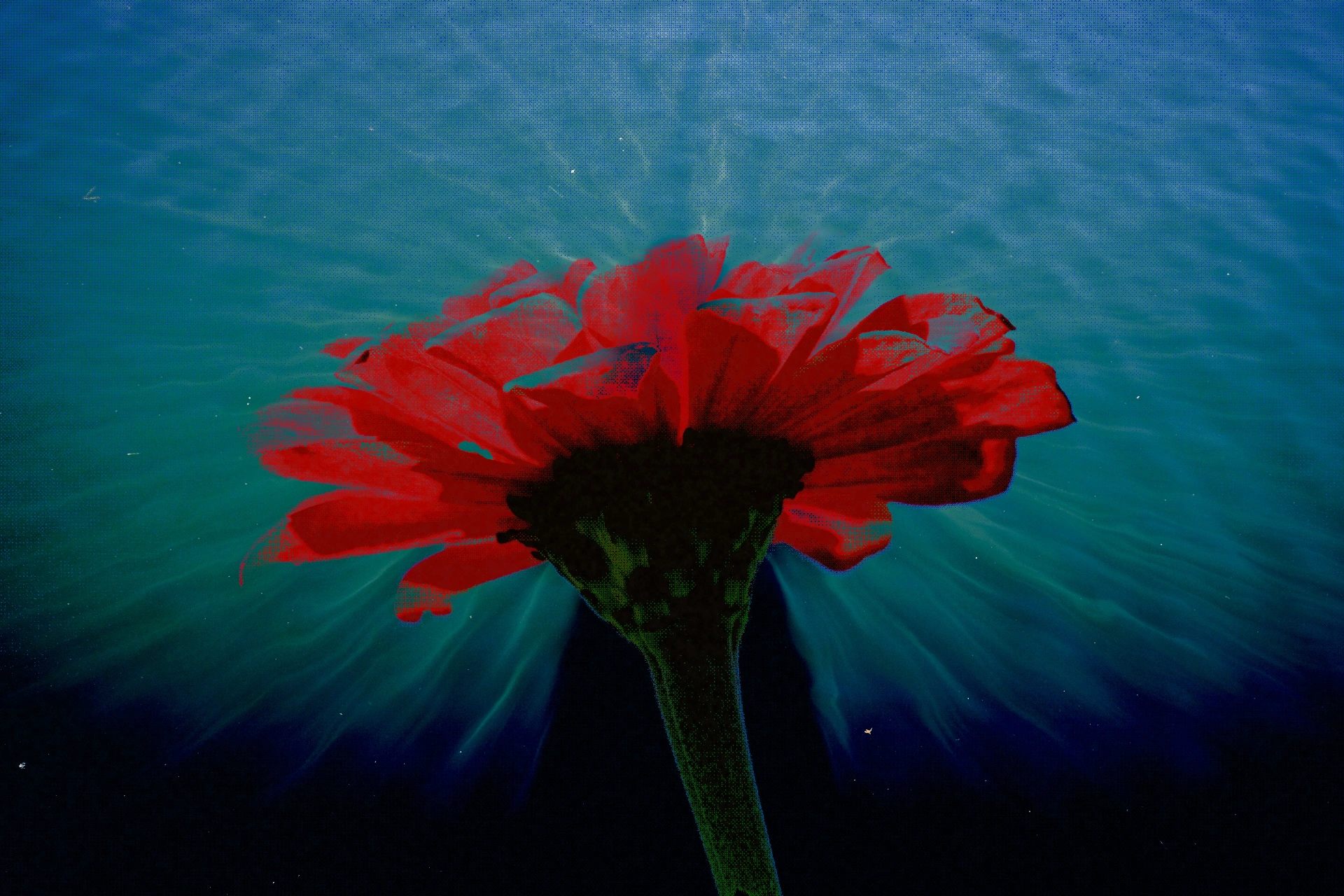
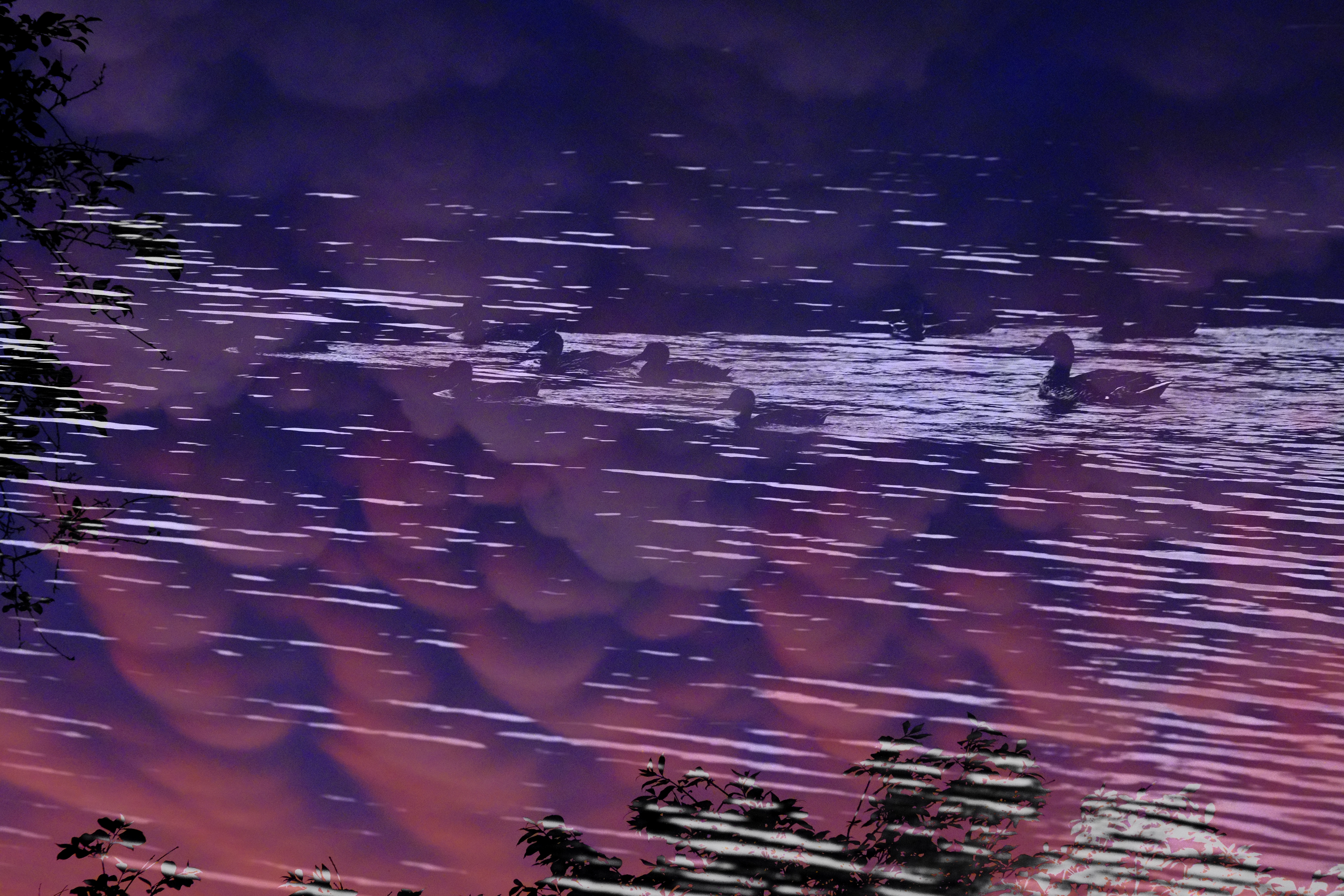
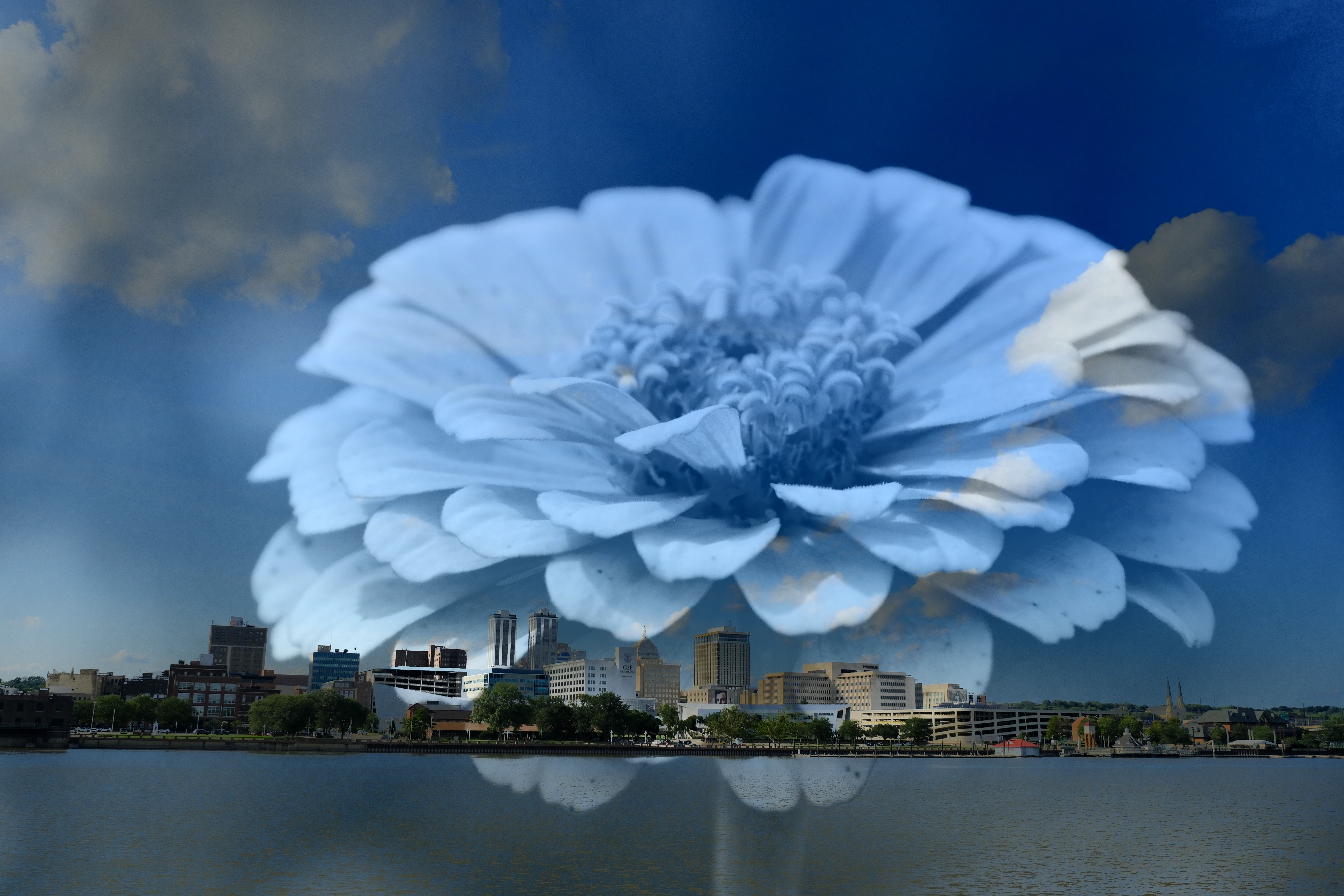
Surreal photo composites and double exposures.
Cover artwork
Abstract cover artwork and photographic textures.
Poster backgrounds
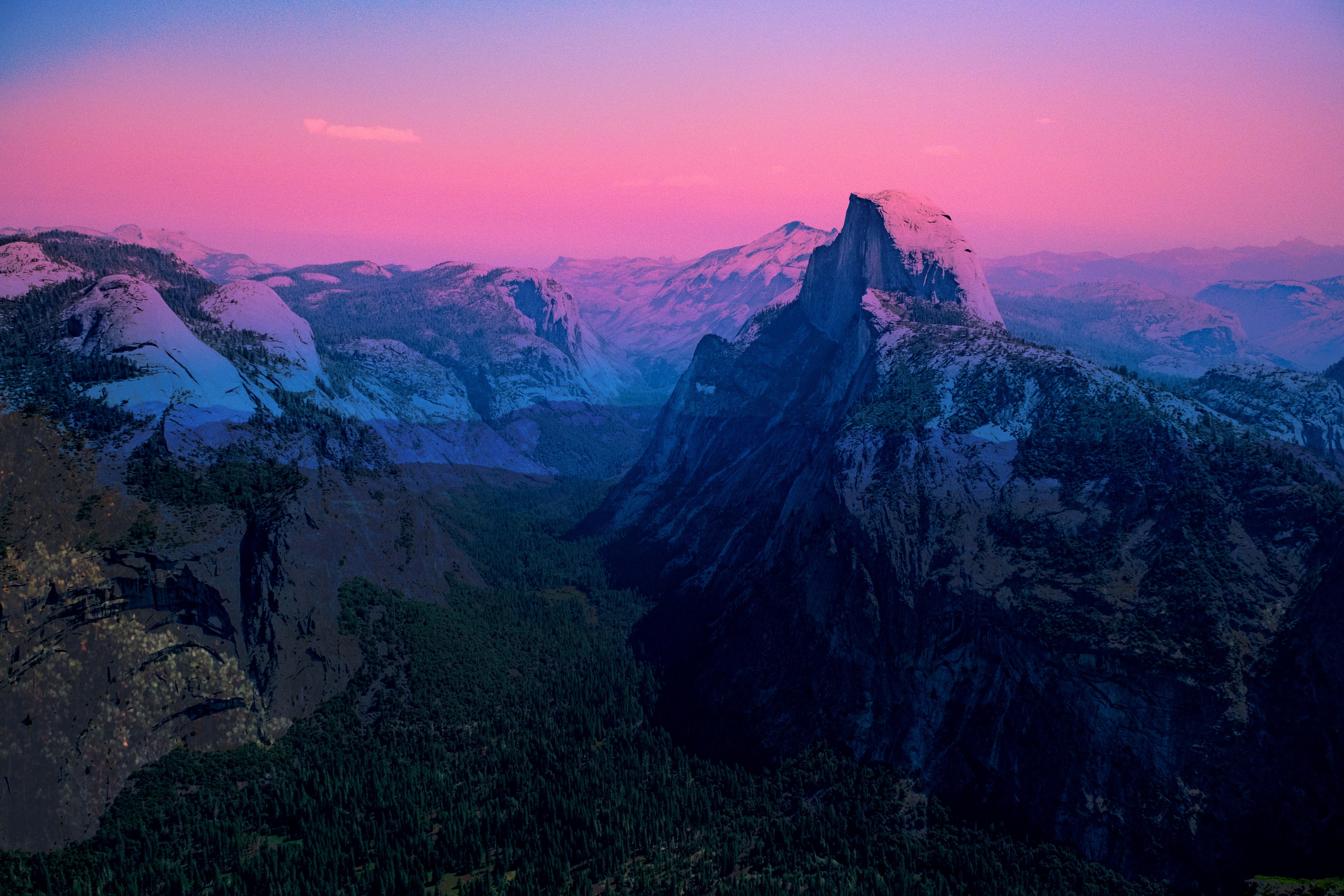
Mixed-image backgrounds for posters and graphic layouts.
Textured portraits
Portraits combined with botanical or architectural textures.
Color experiments
Color-separated graphic images for music releases.
Tonal studies
Tonal studies that reveal a second image through shadows or highlights.
Project ideas
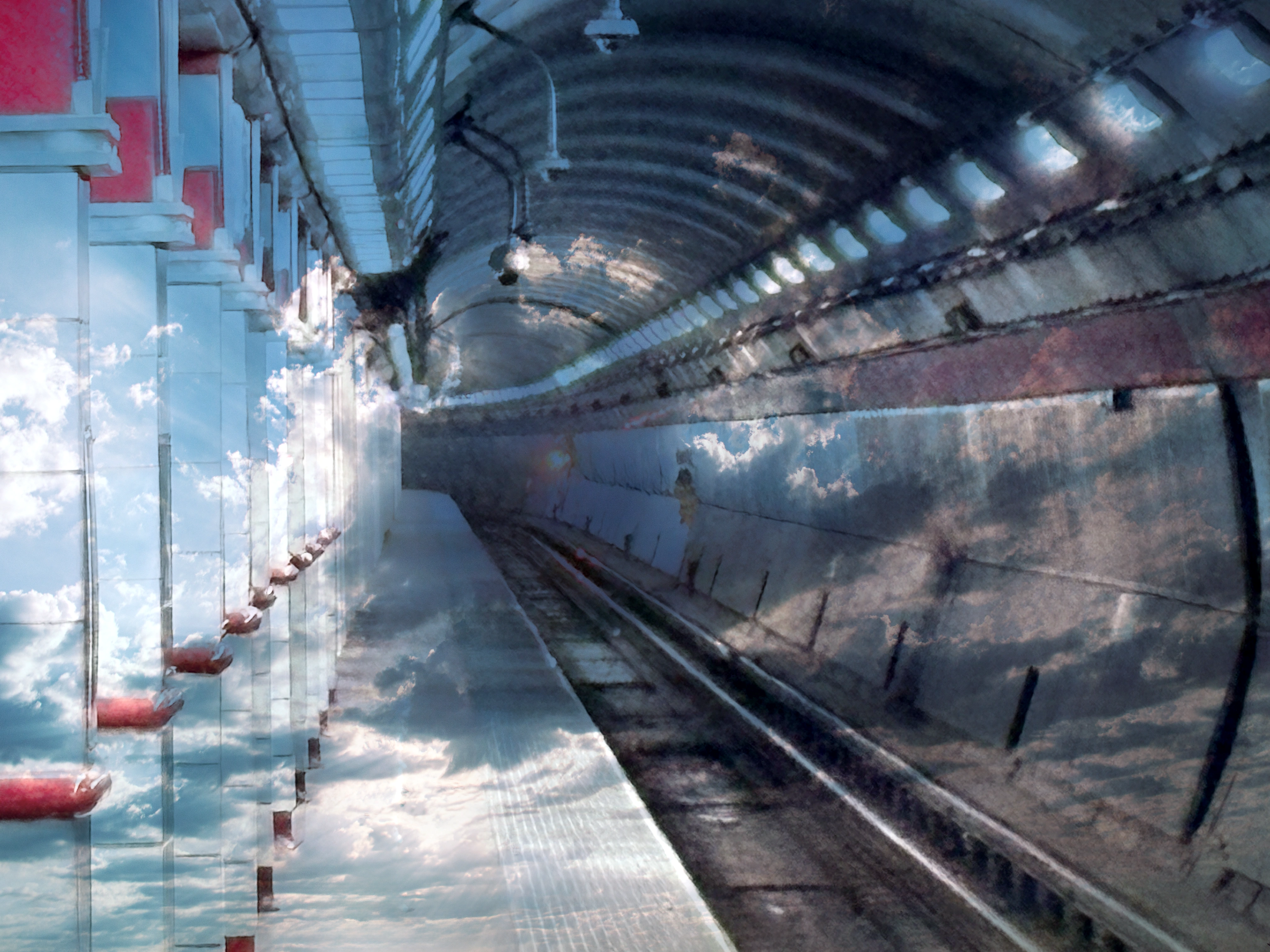
Blend a portrait with landscape textures while preserving its base colors.
Warp two photographs into a graphic composition with controlled color separation.
What sets it apart
Tonal masking and displacement shape how images combine in one live workspace.
Keep source images and adjustable settings together in an editable PAX project.
Supporting capabilities
Images are processed locally in the browser. Save a PAX project to retain your sources and adjustable settings.
Why use PicMix?
Open PicMix when this style of making or play feels closest to what you want.
It connects with the wider Panospace creative workflow, so results can keep evolving across compatible apps.
Inputs and exports
Supported inputs
Local images
Editable PicMix PAX projects
Available outputs
Still images
Editable PAX projects