Pixel Animation
Bring pixel artwork to life, frame by frame.
Bring pixel artwork to life with frame-by-frame drawing and editable animated layers. Create character actions, moving illustrations, and graphic loops, then control their timing and export a finished GIF or sprite sheet.
What you can do
Bring poses to life
Draw character poses, effects, and scene changes frame by frame, comparing neighboring poses with onion skins as the movement develops.
Animate the composition
Animate image, text, shape, and drawing layers to combine hand-made marks with controlled movement and transformations.
Mixed-media motion
Mix imported imagery with gradients, screentones, and procedural color treatments for animated covers and experimental pixel films.
Find the rhythm
Design the rhythm with playback direction, loop ranges, and custom frame routes, then finish the animation as a GIF or a sheet of frames.
What you can make
Moving game sprites
Character actions, impacts, particles, environmental loops, animated interface graphics, and game sprite sheets.
Animated covers and avatars
Animated avatars, stickers, title cards, logos, short pixel films, and cover-art loops.
Mixed-media animation
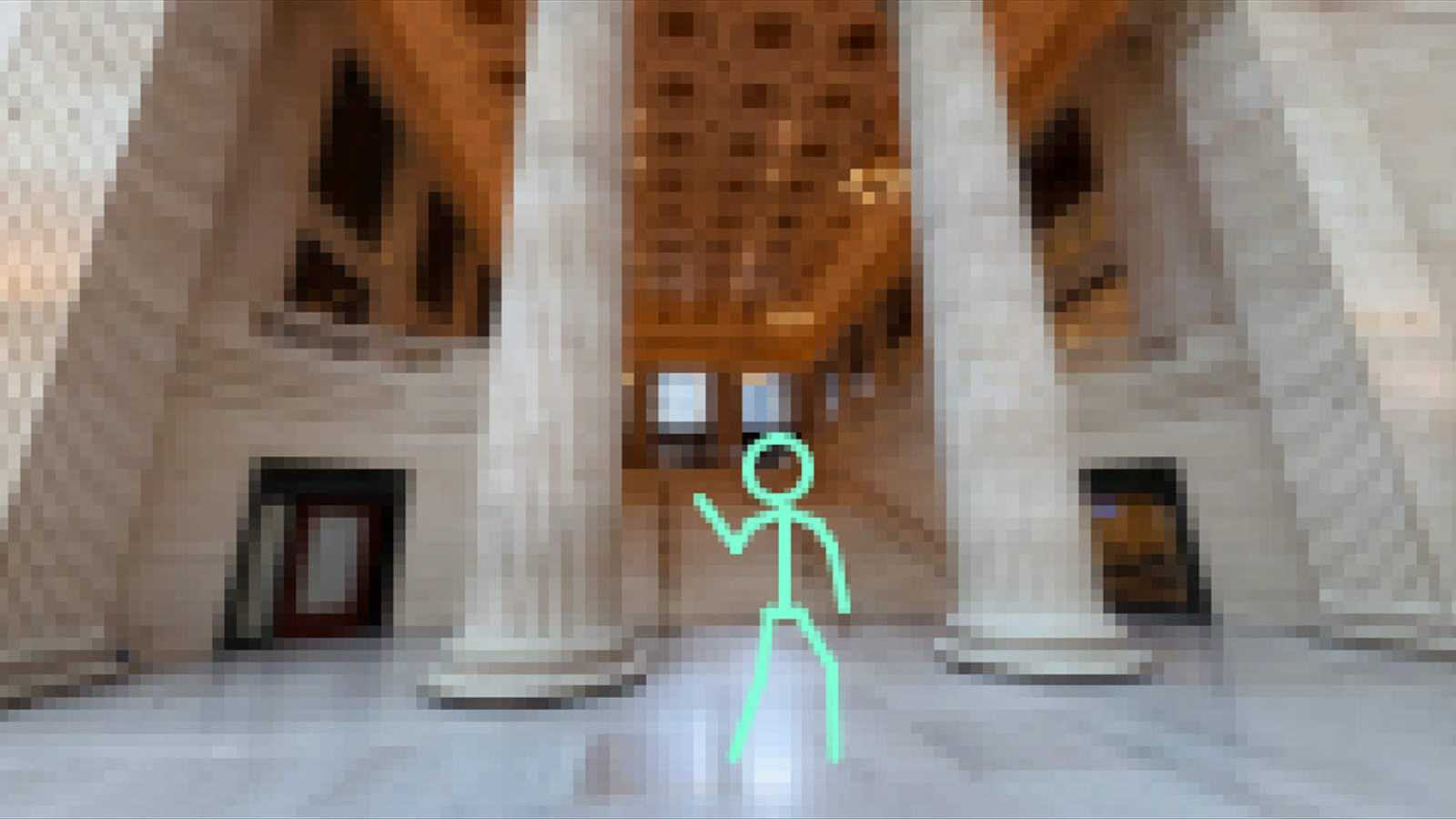
Drawn interventions over imported media, articulated stick-figure studies, and mixed-media frame animation.
Abstract motion loops
Procedural color cycles, abstract motion, and rhythmic variations created by changing render settings and frame routes.
Animated promotional graphics
Combine imported artwork, drawn accents, and moving graphic layers to make a looping cover or short announcement.
Game and interface effects
Draw animated particles, impacts, indicators, and environmental details, then export the frames as a sprite sheet.
Project ideas
A character action becomes a sprite sheet with readable poses and carefully paced in-between frames.
A static cover gains moving graphic layers and drawn accents to become a repeating animated GIF.
What sets it apart
Create motion with drawing, object layers, or a combination of both. Use onion skins to compare poses, adjust each frame, and preview the animation as you build it.
Make character actions, animated covers, avatars, effects, and short loops. Export GIF playback for viewing or a sprite sheet for use in another animation workflow.
Supporting capabilities
Drawing and editable object animation can share one sequence, so motion can be built through poses, transforms, or both.
Why use Pixel Animation?
Open Pixel Animation when this style of making or play feels closest to what you want.
It connects with the wider Panospace creative workflow, so results can keep evolving across compatible apps.
Inputs and exports
Supported inputs
Images and video sources
Pixel Animation PAX projects
Available outputs
Animated GIF
PNG sprite sheets
Editable PAX projects