Pixel Art
Make every pixel part of the picture.
Draw original pixel illustrations, sprites, tiles, and icons with precise control over shape and color. Combine editable layers, palettes, dithering, and reusable stickers, or convert a photograph and finish its pixels by hand.
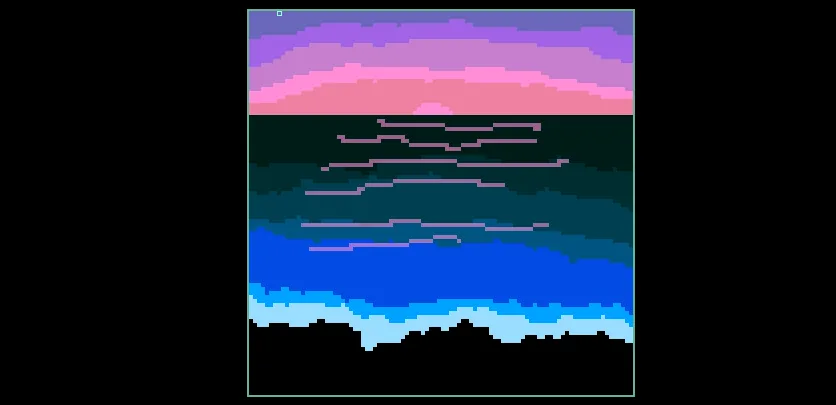
What you can do
Every pixel counts
Design crisp silhouettes, small details, and deliberate color clusters at the artwork’s real pixel resolution.
A deliberate palette
Develop limited-palette and dithered styles, or convert an image to a chosen palette and finish its features by hand.
Build a family of assets
Build editable layered artwork and reuse custom details as stickers, making related characters, tiles, and props easier to keep consistent.
Finished pixel artwork
Create finished PNG artwork and capture frame variants together as a sprite sheet for use in other creative workflows.
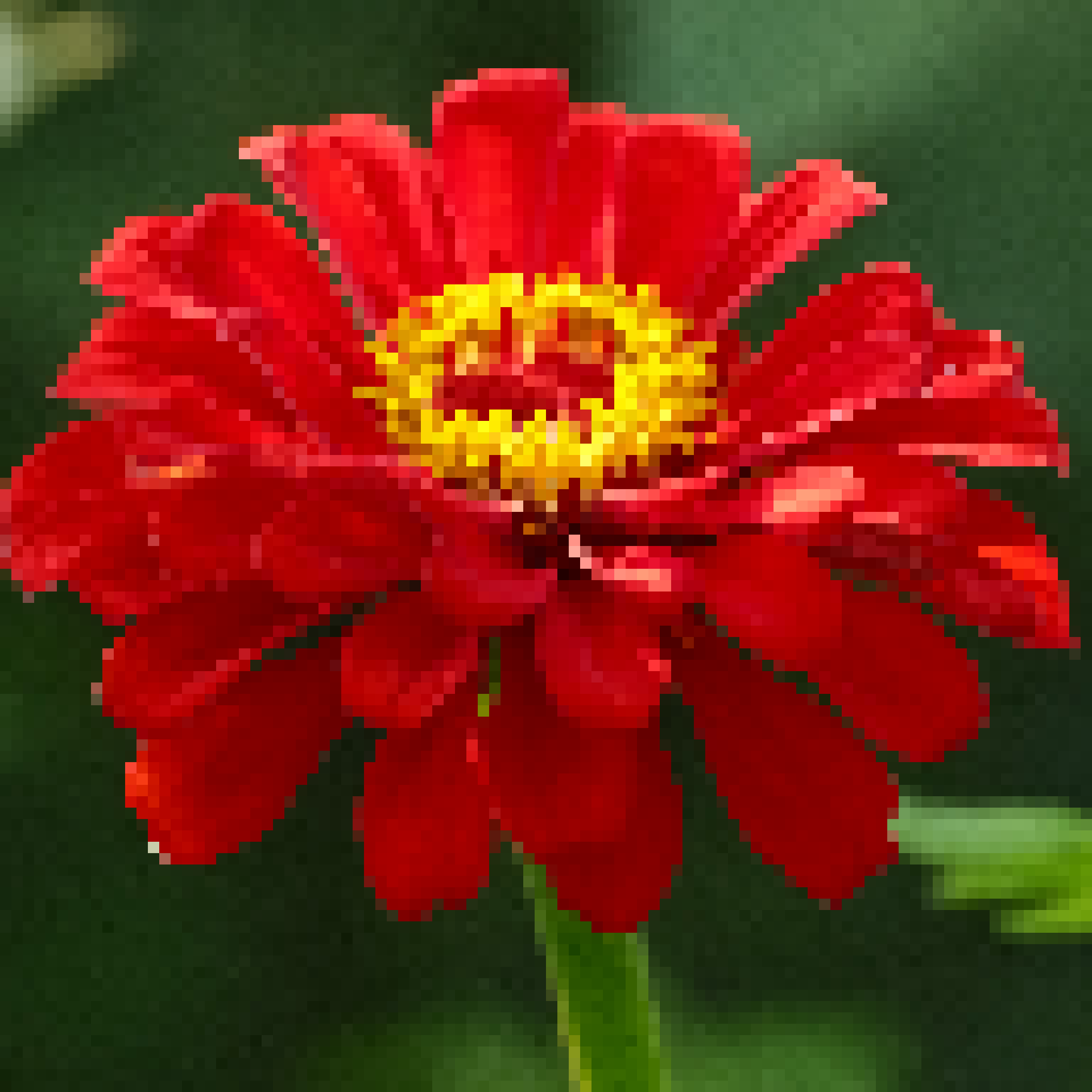
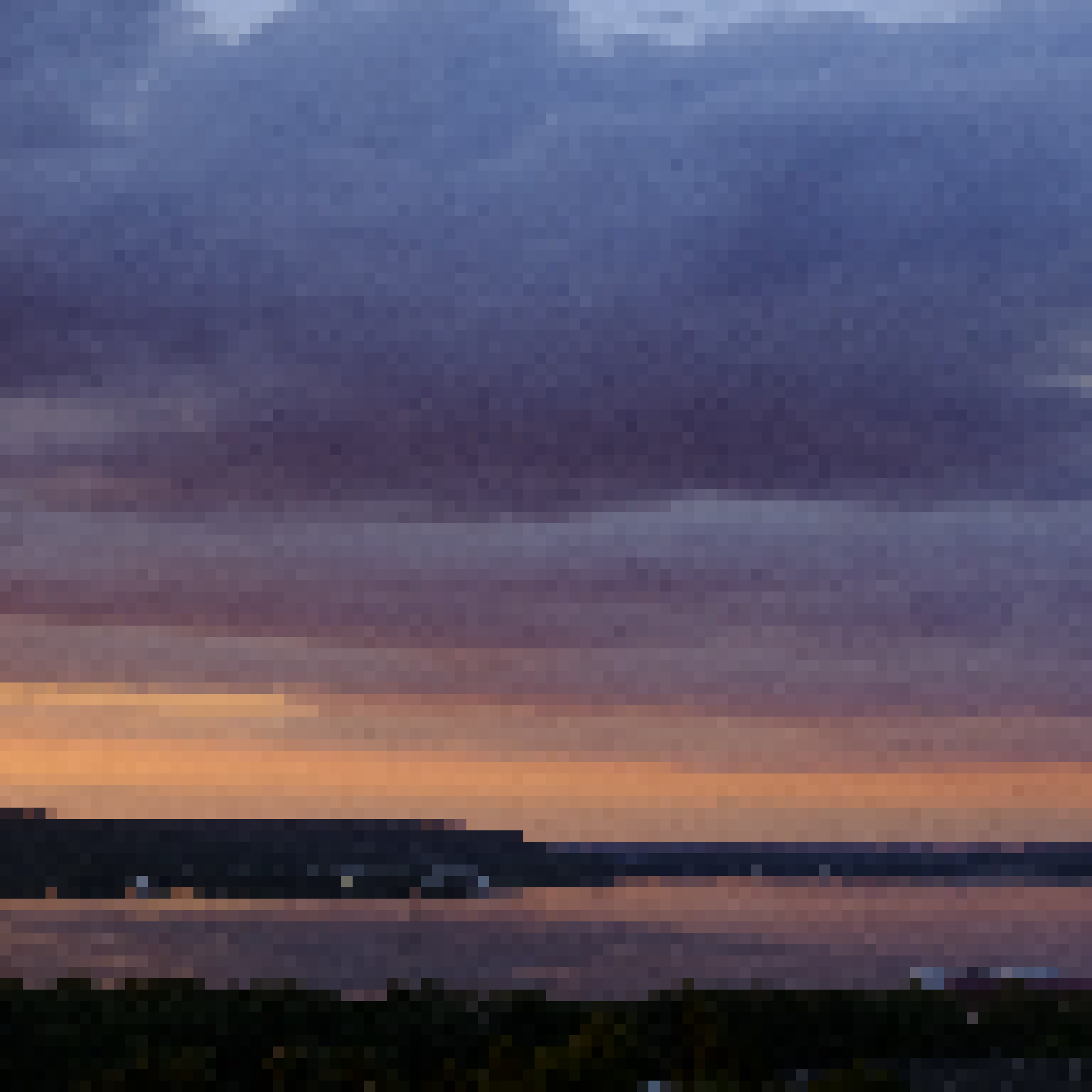
What you can make
Sprites, tiles, and props
Character sprites, environment tiles, game props, inventory icons, interface elements, and small effects.
Pixel illustrations
Pixel portraits, limited-palette landscapes, retro title graphics, avatars, and small illustrations.
Photo-to-pixel portraits
Photo-to-pixel transformations with manual cleanup of silhouettes, palette choices, and fine details.
Reusable asset families
Reusable asset families: share a palette and stamp repeated details from a sticker or layer stack.
Custom avatars and icons
Create small, recognizable images with deliberate silhouettes and colors for a profile, interface, or personal project.
Pixel covers and title graphics
Combine photographic conversions with original drawing and layered elements to make larger pixel compositions and graphic artwork.
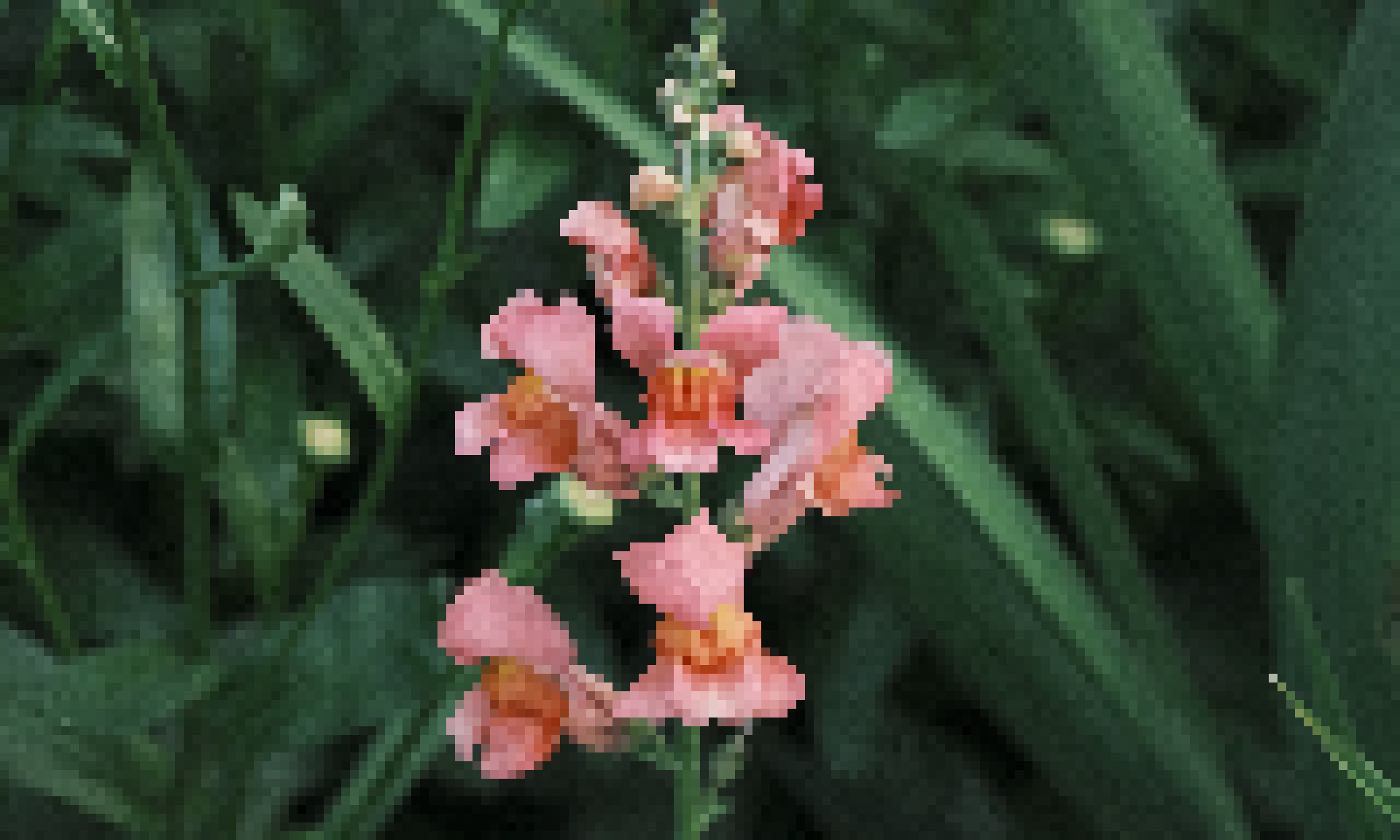
Project ideas
A small character family shares a limited palette and reusable details while keeping distinct silhouettes.
A photograph becomes a pixel portrait with a simplified palette and carefully redrawn eyes and facial edges.
What sets it apart
Build artwork at its real pixel resolution, with control over the palette and individual marks. Draw original assets or convert an image and clean up its shapes and colors by hand.
Make related game assets and illustrations in one document. Reuse details as stickers, organize layers, and capture frame variants for a sprite sheet.
Supporting capabilities
Direct pixel editing and reusable stickers support both original drawing and careful cleanup of image conversions.
Why use Pixel Art?
Open Pixel Art when this style of making or play feels closest to what you want.
It connects with the wider Panospace creative workflow, so results can keep evolving across compatible apps.
Inputs and exports
Supported inputs
Images
Pixel Art PAX projects
Available outputs
PNG artwork
Multi-frame PNG sprite sheets
Editable PAX projects