Render Remix
One photograph. Many visual languages.
Turn photographs into illustration, print-inspired artwork, and graphic designs. Explore different ways to rebuild the source image, develop a finished treatment, and export raster artwork, enlarged images, or an SVG interpretation.
What you can do
Choose a rendering language
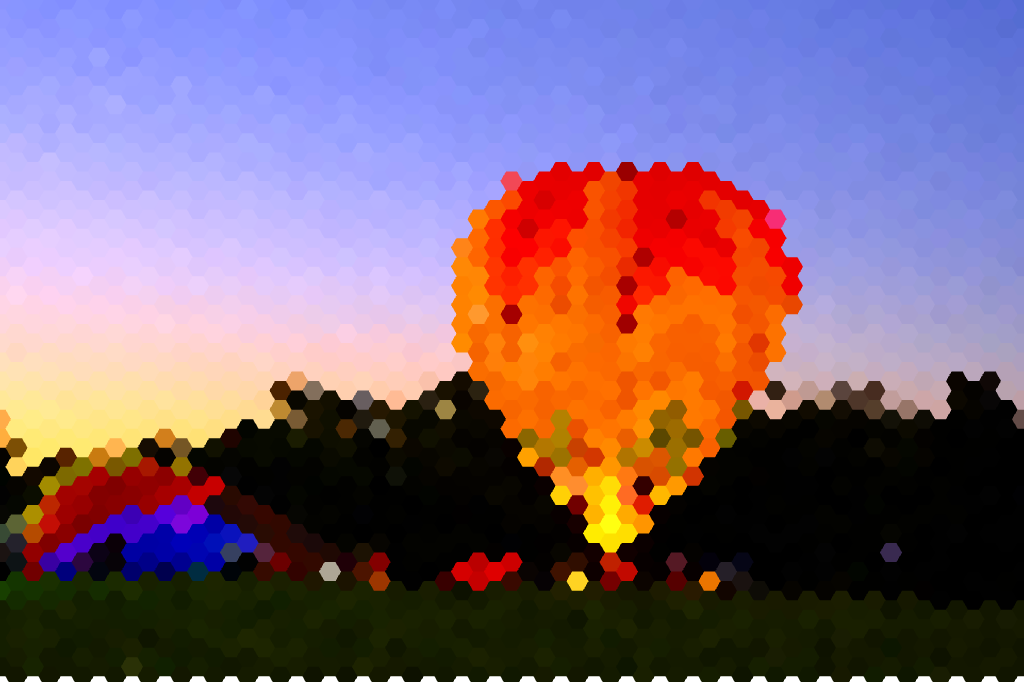
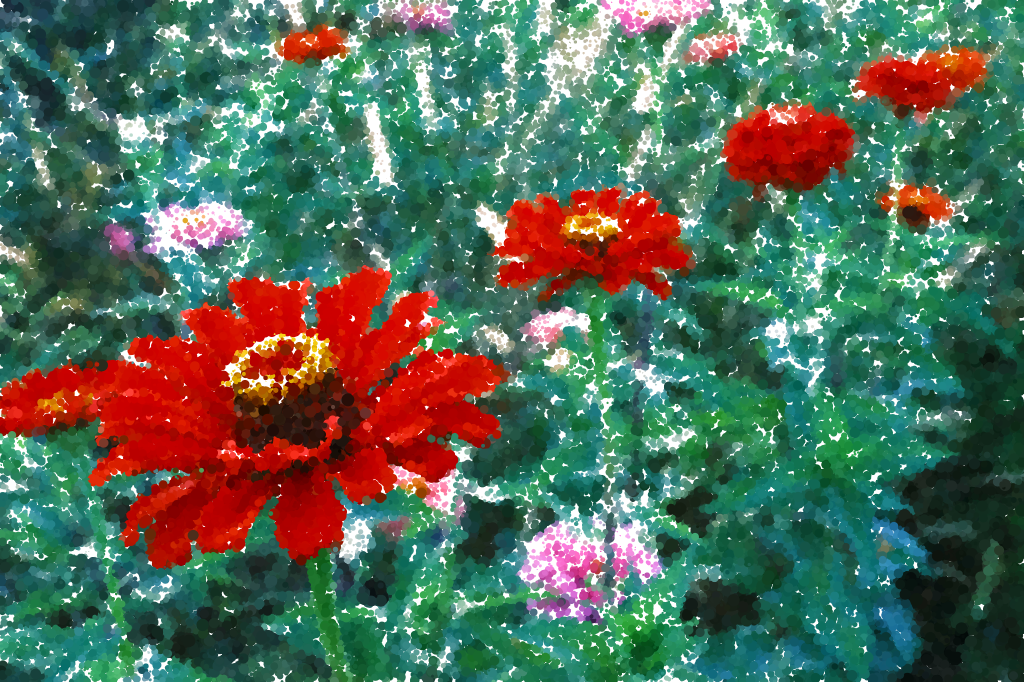
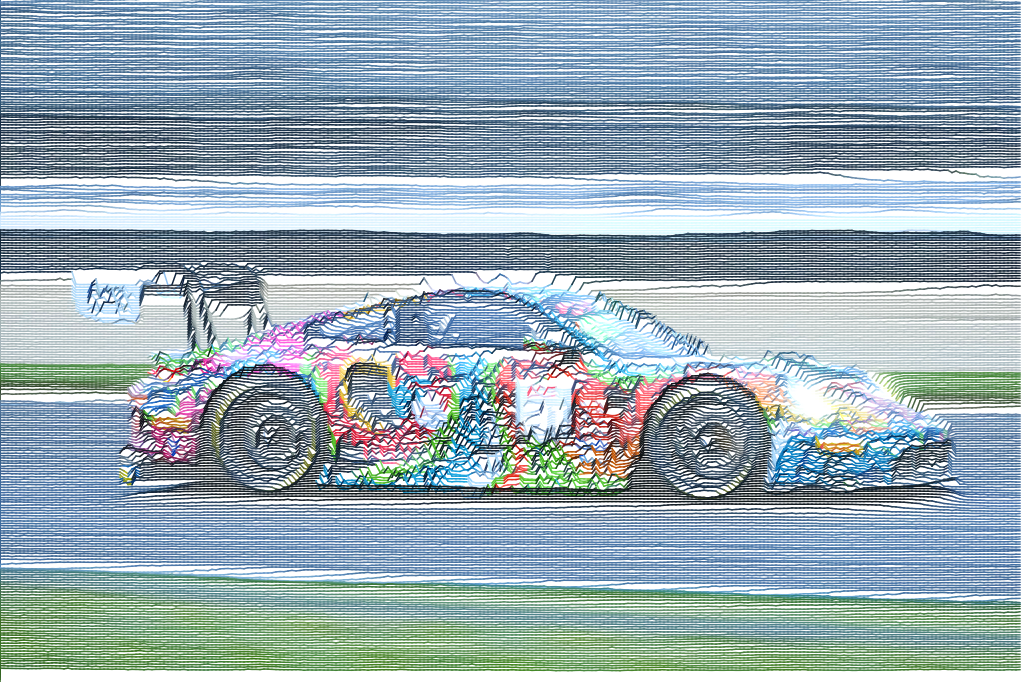
Translate the source into drawn marks, painted textures, print patterns, polygon forms, or characters, changing how the image is constructed rather than only adjusting its color.
Shape the marks
Develop each interpretation from fine detail to bold abstraction, shaping the marks and patterns to preserve a subject or emphasize its graphic structure.
Finish the image
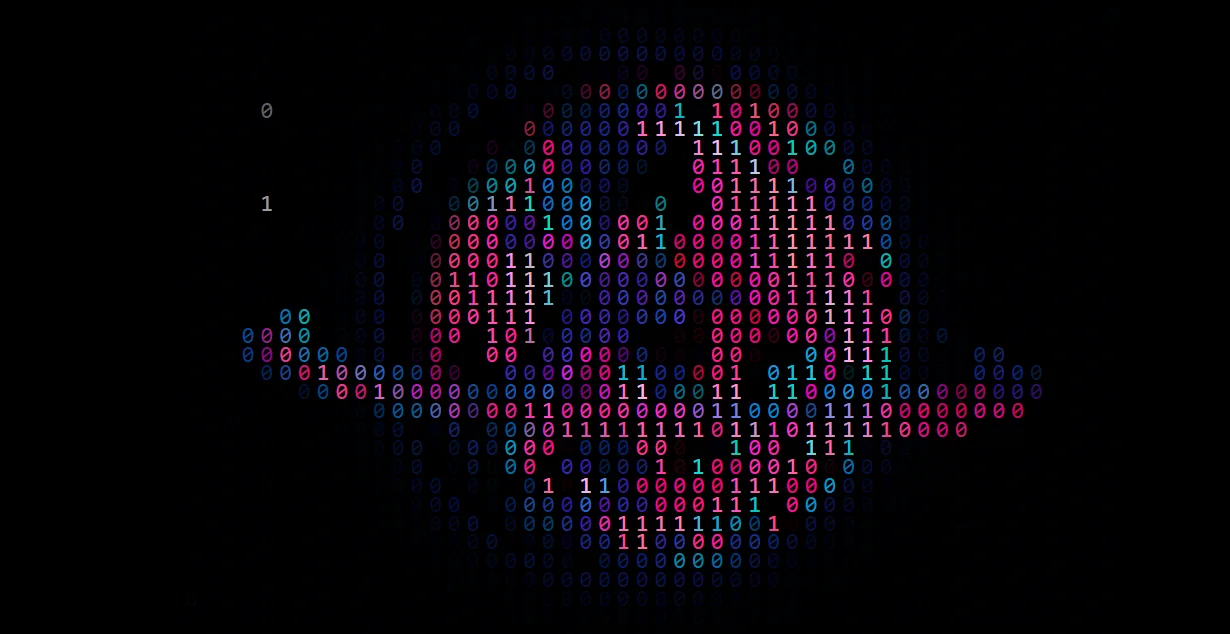
Combine rendering styles with screen treatments to create retro displays, tiled video walls, luminous grids, and projector-like imagery.
Enlarge or vectorize
Enlarge artwork with the integrated upscale tools or produce an SVG interpretation for use in another design workflow.
What you can make
Photo illustrations
Illustrated portraits, editorial textures, engraving-like images, poster backgrounds, and photo-based pattern studies.
Print-inspired artwork
Risograph, linocut, silkscreen, cyanotype, and halftone-inspired artwork without committing to one print style.
Retro-screen graphics
Terminal portraits, retro-screen graphics, display mosaics, and technical-looking cover imagery.
Vector and raster assets
Vector interpretations and enlarged raster variations of artwork for further design work.
Editorial and campaign illustrations
Develop photo-based illustrations for an article, announcement, or campaign, keeping a consistent visual treatment across different subjects.
Design-ready source artwork
Create a graphic treatment of a photograph for use in a poster, cover, or collage, with raster and generated vector output options.
Project ideas
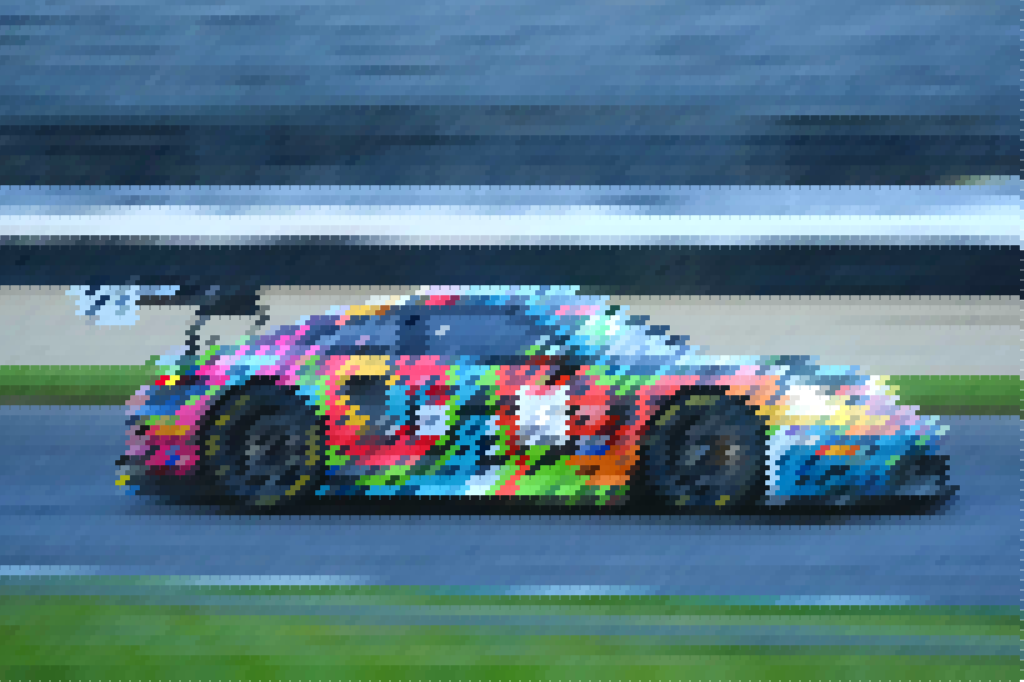
A portrait becomes a set of engraving, stippled, and woodcut-style illustrations for an editorial series.
A landscape becomes a halftone cover image or a luminous tiled display graphic.
What sets it apart
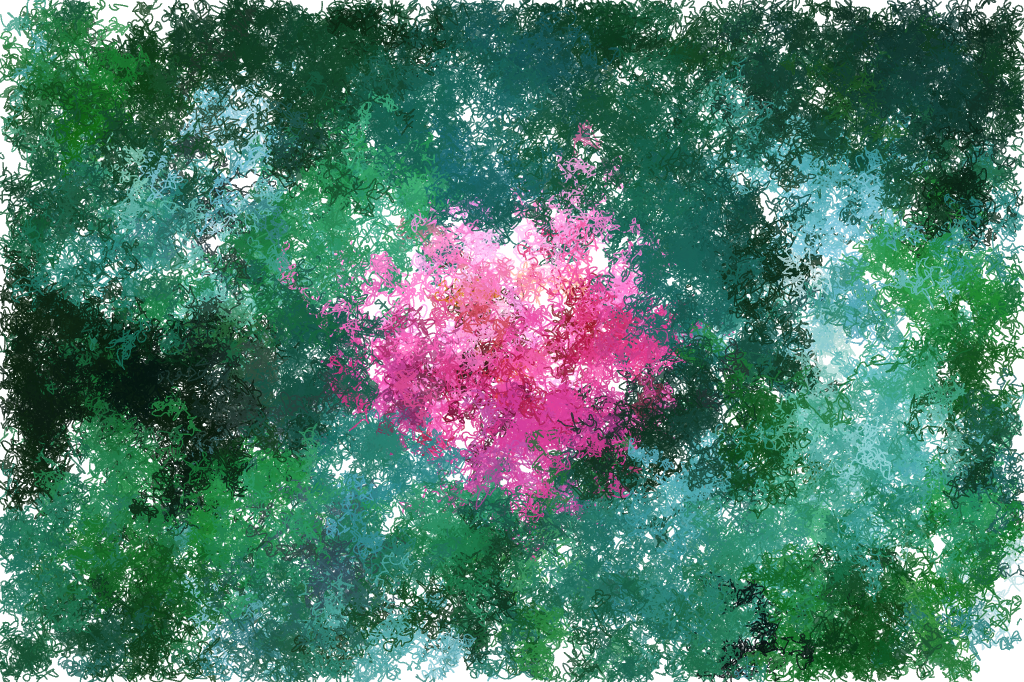
Create several distinct interpretations of one photograph, drawn marks, print patterns, geometric forms, or text-based imagery, while retaining control over how the source is reconstructed.
Develop portraits, cover artwork, poster backgrounds, and design assets from images you already have. Rendering, enlargement, and SVG generation provide different ways to finish the result.
Supporting capabilities
Print and display treatments are visual interpretations. Upscaling processes existing pixels and does not guarantee recovered photographic detail.
Why use Render Remix?
Open Render Remix when this style of making or play feels closest to what you want.
It connects with the wider Panospace creative workflow, so results can keep evolving across compatible apps.
Inputs and exports
Supported inputs
Browser-supported images
Render Remix PAX projects
Available outputs
PNG, JPEG, and WebP images
Upscaled raster images
SVG files
PAX projects