Pixel Space
Turn a flat image into a world of shapes and motion.
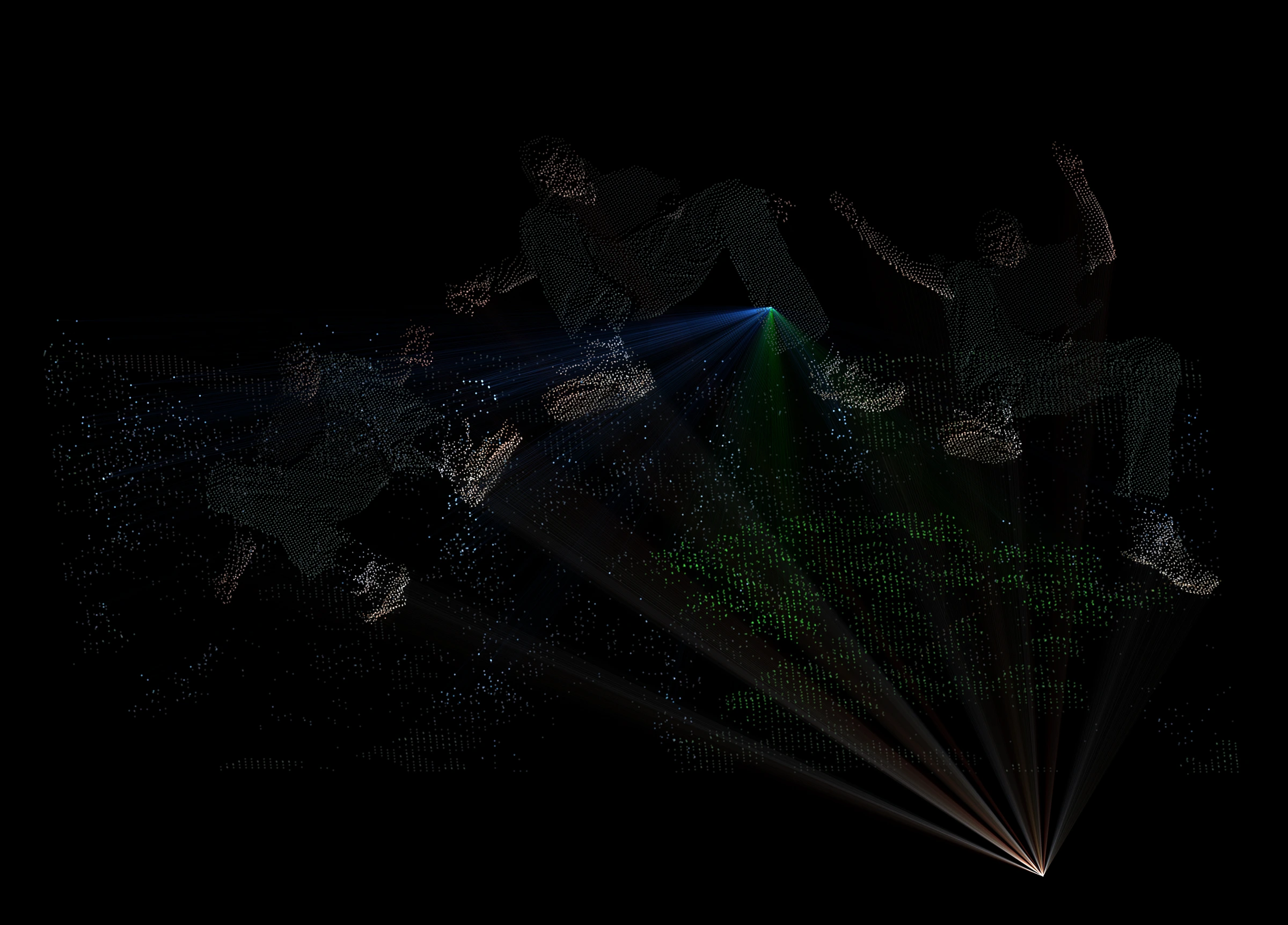
Turn photographs and artwork into dimensional images, sculptures, and animated visuals. Explore point, geometric, and flowing-line render styles, shape the scene, and capture it as cover artwork, moving imagery, or geometry for further editing.
What you can do
An image with volume
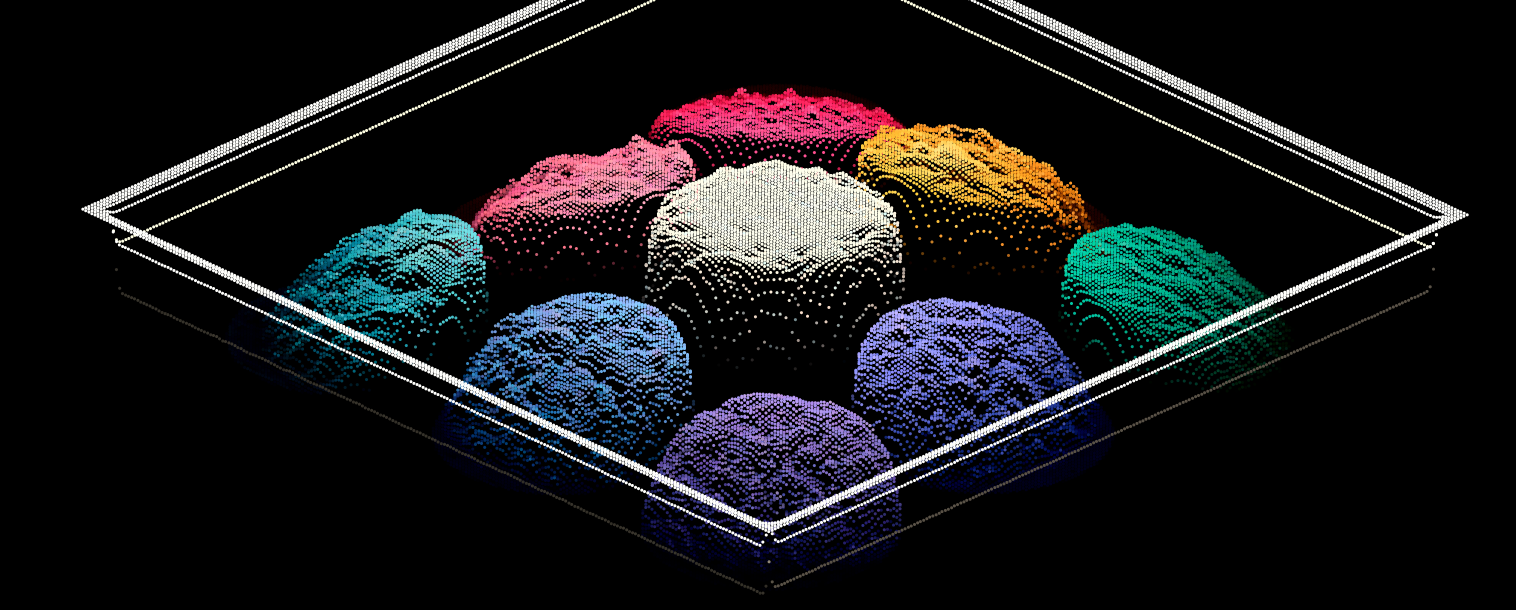
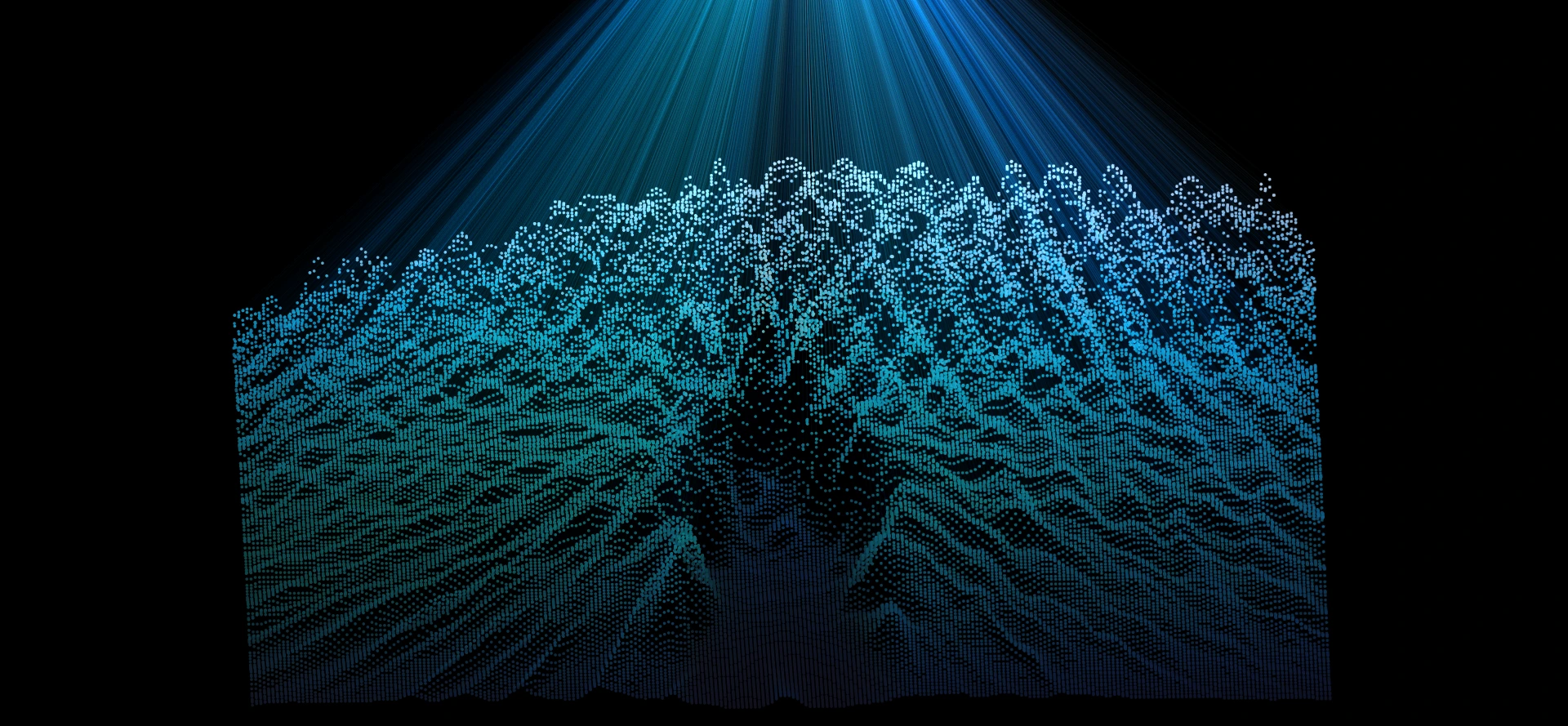
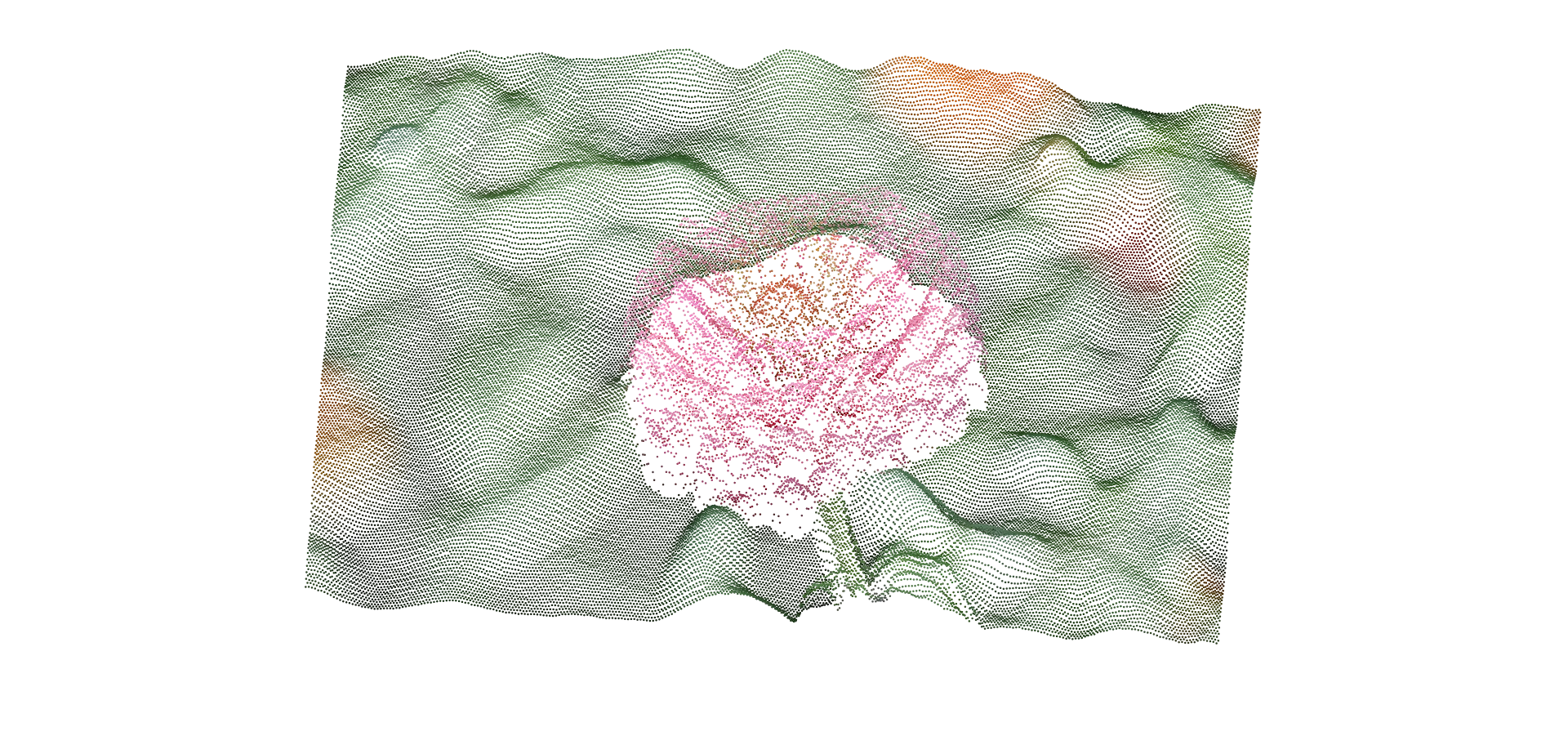
Give an image depth and volume, from a recognizable photographic relief to a scattered cloud of colored points.
Sculptural surfaces
Wrap the source around spheres, knots, and mathematical surfaces to discover silhouettes and structures a flat image cannot show.
Living structures
Set the artwork in motion with animated cameras, changing geometry, and interactive forces that ripple, swirl, or gather its points.
Finish in 3D
Develop the scene in the integrated editor, then finish it as a still image, recorded motion piece, image sequence, or exported geometry.
What you can make
Dimensional photography
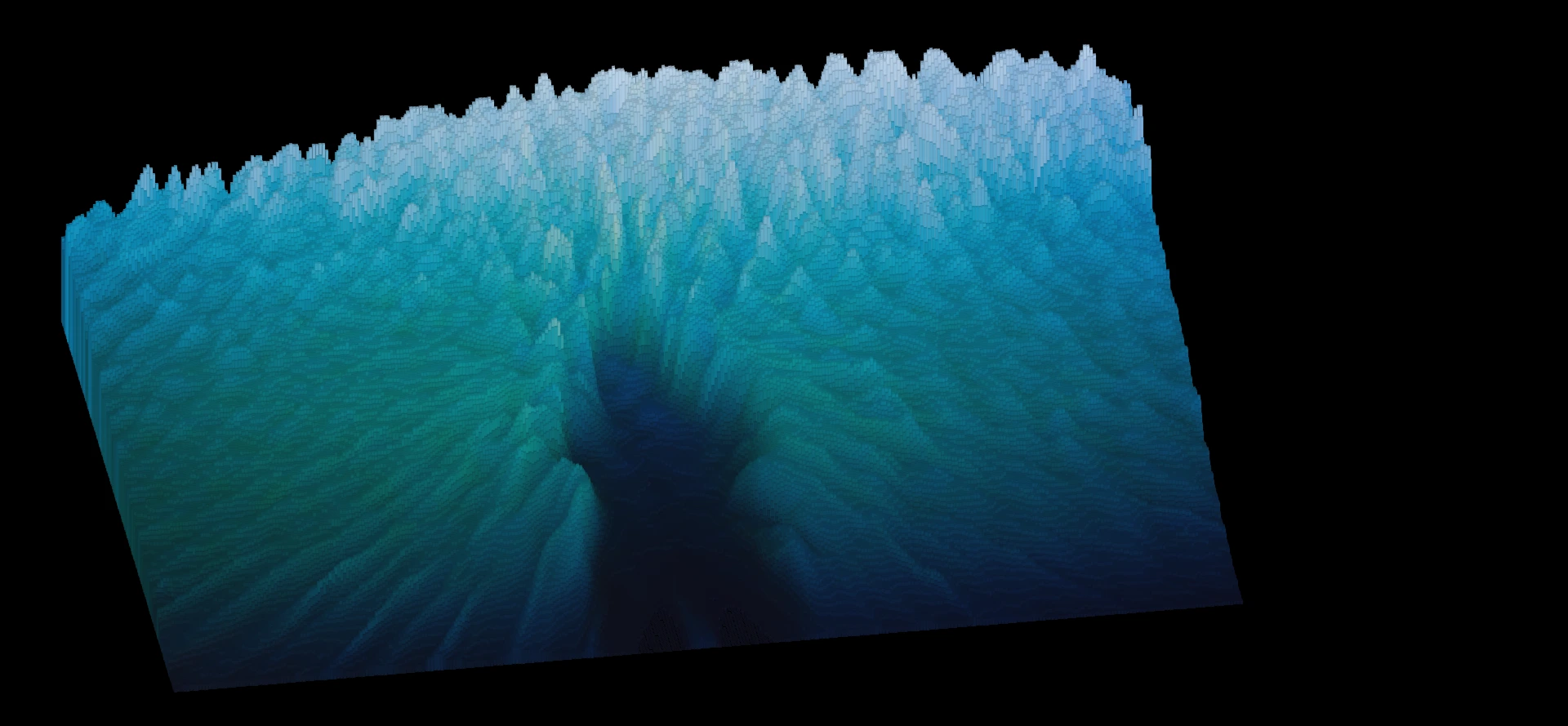
Dimensional portraits, fragmented landscapes, particle sculptures, and abstract interpretations of photographs or illustrations.
Covers and posters
Cover art and posters: make a subject read clearly from the front, then use a side view to expose its depth.
Music visuals
Music visuals and motion studies: animate the camera or selected parameters around the same image-derived structure.
Geometry studies
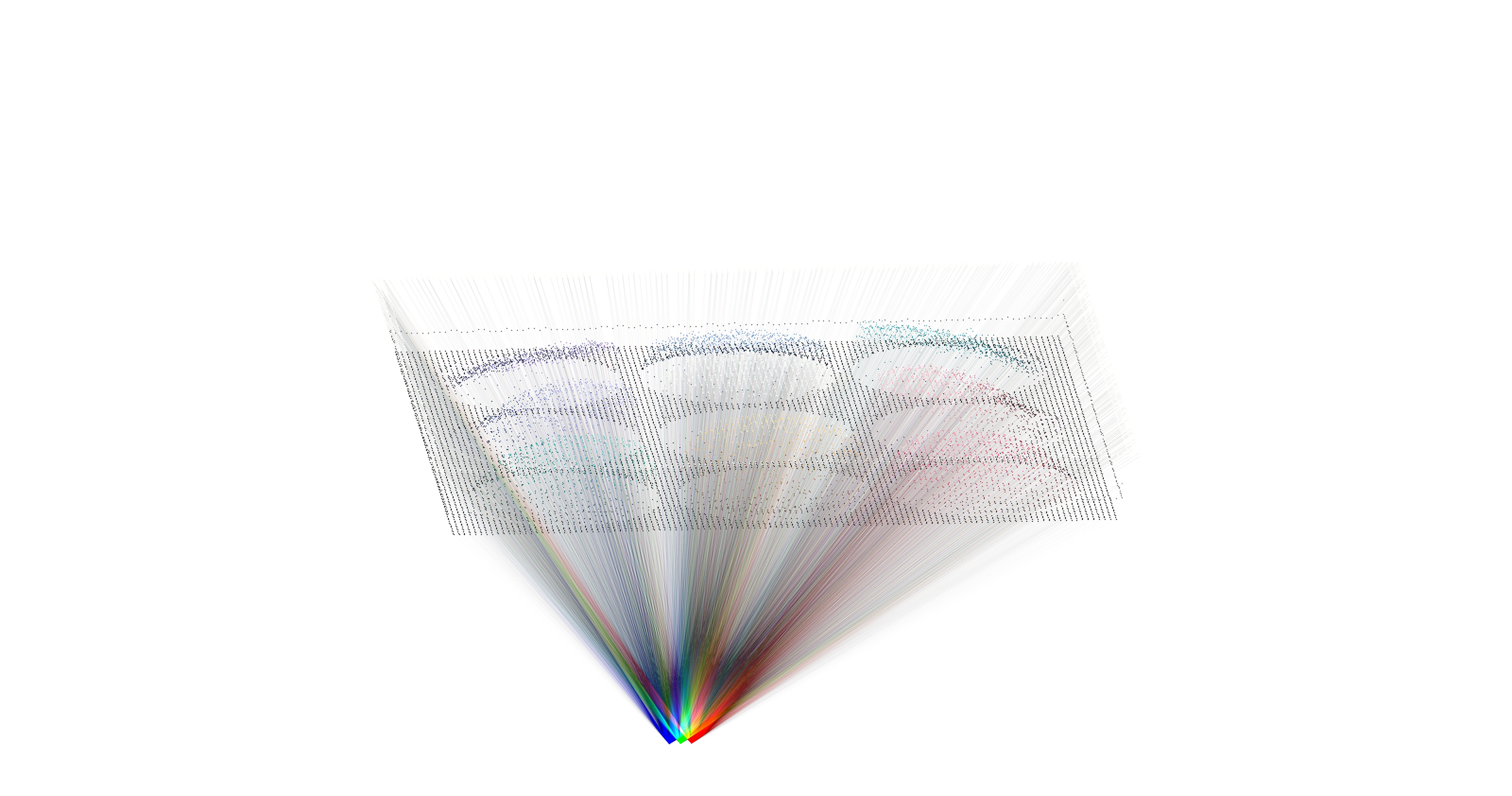
Multi-angle sheets and geometry studies for later editing, presentation, or experimentation in other software.
Art direction and image variations
Develop several distinct treatments of one source image to compare directions for a cover, campaign, or photographic artwork series.
Graphic assets for finished designs
Capture a dimensional image treatment to use as the central artwork in a poster, title graphic, or promotional design.
Project ideas
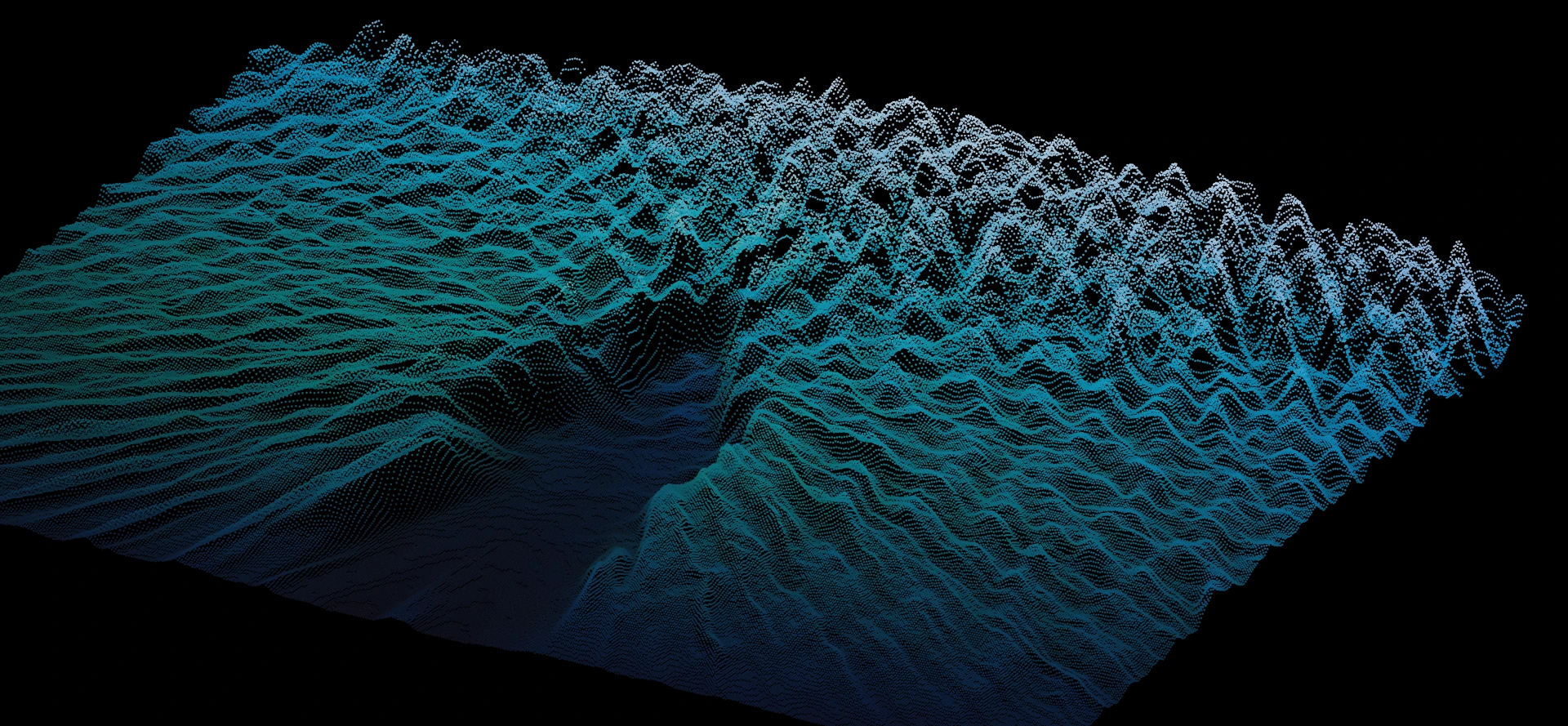
A portrait becomes a colored relief whose profile appears only from the side.
One illustration becomes a coordinated cover series, reinterpreted as a sphere, a knot, and a drifting point cloud.
What sets it apart
Use an image as the material for a 3D piece: a portrait can become a dimensional relief, a landscape a colored structure, or an illustration an abstract sculpture.
Compose and edit the result in 3D, then choose how to use it: capture a still, record motion, export a sequence, or take geometry into another tool.
Supporting capabilities
Depth comes from image values, giving you material for artistic interpretation rather than a measured scan of the subject.
Why use Pixel Space?
Open Pixel Space when this style of making or play feels closest to what you want.
It connects with the wider Panospace creative workflow, so results can keep evolving across compatible apps.
Inputs and exports
Supported inputs
Images
Background images or video
Compatible PAX projects
Available outputs
PNG and custom images
Image sequences and sheets
Recorded video
PAX projects and edits
PLY, STL, and OBJ geometry